

Deckle checks spelling as you type in whichever language you choose, and, unlike relying on your operating system's built-in spellcheck, "Add to Dictionary" works the same way and persists the same way no matter what platform you're on.
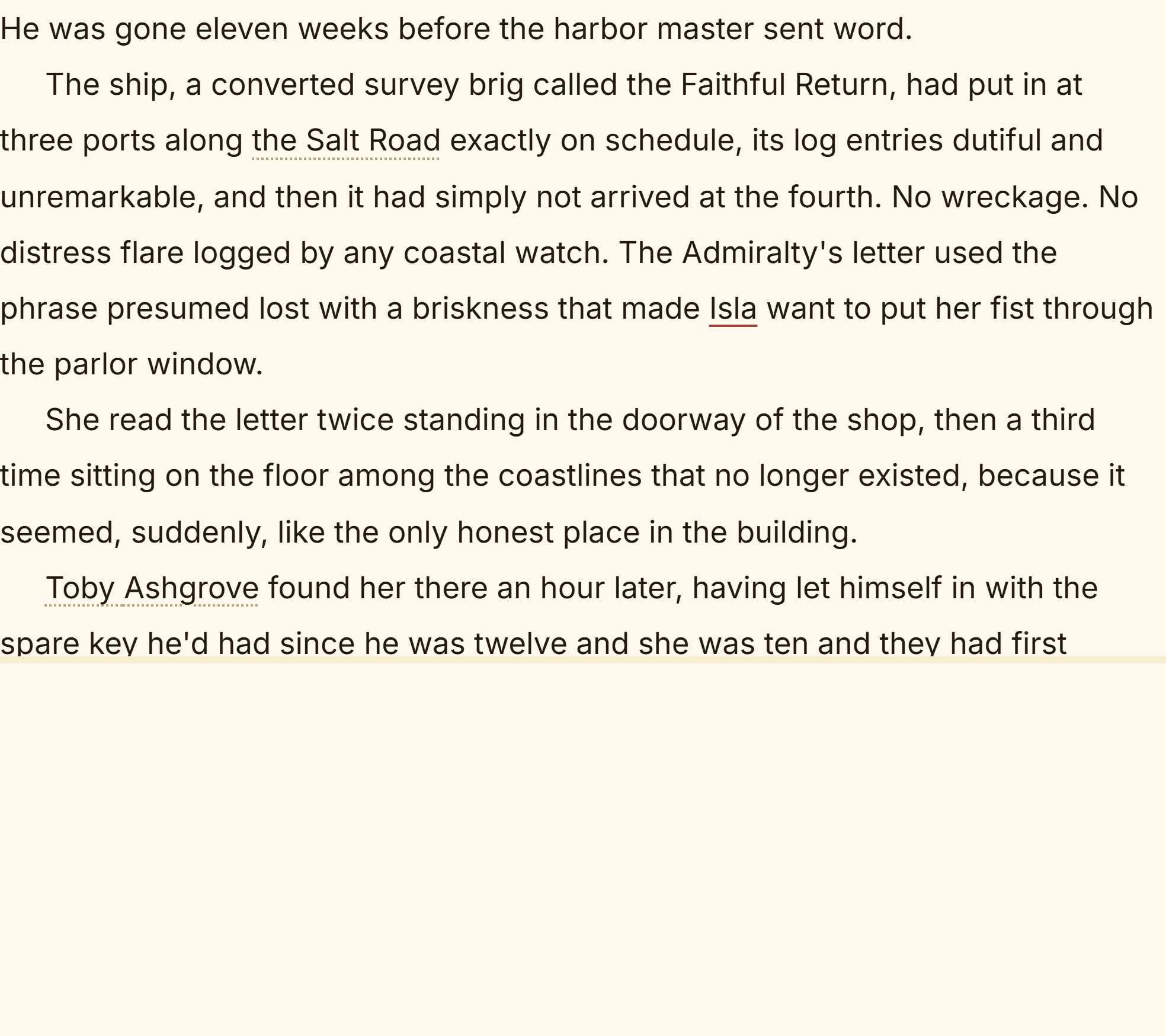 Spellcheck marking a word in the editor
What You Can Do
- Get misspelled words underlined as you type, in any of 15 supported languages.
- Right-click a flagged word for up to 5 ranked suggestions.
- Add a word to your personal dictionary so it's never flagged again, in any project, on this installation.
- Ignore a word for just your current session, without permanently adding it.
- Get the same checking in your synopsis, notes, comments, and Codex entries, not only in the manuscript itself.
- Turn spellcheck off entirely if you don't want it.
How to Set Your Spellcheck Language
- Open Settings → Editor and scroll to the Spelling section.
- Make sure Enable spellcheck is turned on.
- Choose your language from the Dictionary dropdown.
The change takes effect immediately in every document you already have open. There's no need to reopen anything.
Which Languages Are Supported
All 15 options in the Dictionary dropdown:
- English (US), English (UK), English (Canada), English (Australia)
- Español (España), Español (México)
- Deutsch (Deutschland), Deutsch (Schweiz)
- Français
- Italiano
- Nederlands
- Português (Portugal)
- Svenska
- Türkçe
- Norsk (Bokmål)
Italian, Dutch, and Swedish are new. They previously couldn't be offered at all, because the checker Deckle used either couldn't load those dictionaries or checked them so loosely that real typos slipped straight through. They now work properly, so if you write in one of those three, spellcheck is available to you for the first time.
If you write in more than one of these, or you're mixing languages inside one manuscript, writing in a language other than English walks through the practical side of that.
German Compound Words No Longer Get Flagged
German builds new words by gluing existing ones together, endlessly and legitimately, which used to be a genuine problem: ordinary everyday nouns like Krankenhäuser, Autobahnen, Bundesregierung, and Übersetzung were underlined as if they were typos. On a page of real German prose that meant a steady drip of false alarms in exactly the words you use most.
That's fixed. Compounds are now recognized properly, and it applies to both Deutsch (Deutschland) and Deutsch (Schweiz).
Pick the Swiss variant if you write Swiss Standard German, where ss is used in place of ß. The Germany dictionary treats those spellings as errors, and the Swiss one doesn't.
Abbreviations Are Recognized Too
Abbreviations that end in a period, like Dr., usw., bijv., and sig., are no longer flagged just because of that trailing dot. Dictionaries list these with the period attached, and Deckle now looks them up that way. This applies in every language, not just the newly added ones.
Fixing a Flagged Word
Right-click any underlined word to open the suggestion menu:
- Click a suggestion to replace the word in place. If Deckle has nothing close to offer, the menu says No suggestions and you can edit the word yourself.
- Click Add "[word]" to Dictionary if it's spelled correctly but unfamiliar to Deckle (a character name, invented term, or technical word). This applies everywhere, in every project, from then on.
- Click Ignore to stop the underline for just this session without permanently adding the word.
A Couple of Things Worth Knowing
💡 Deckle uses its own spellchecker rather than your browser or OS's built-in one, specifically because "Add to Dictionary" doesn't work reliably the same way across every platform otherwise. This keeps the behavior identical on Windows and macOS.
💡 Your personal dictionary is global, not per-project. A word you add while writing one book stays recognized in every other Deckle project on that installation, the reasoning being that "never flag this word again" isn't really tied to a single manuscript. See managing your personal dictionary for the full picture.
💡 Ignore is temporary; Add to Dictionary is permanent. Ignoring a word only lasts until you restart Deckle. If you want a word permanently recognized, use Add to Dictionary instead.
💡 Turkish spellcheck takes noticeably longer to load than other languages the first time, due to how much more complex its word-formation rules are to process. This is expected, not a sign of a problem.
💡 If a dictionary ever fails to load, Deckle tells you. Rather than quietly leaving your text unchecked and looking flawless, the Spelling section of Settings shows a warning saying spellcheck isn't running for that language. Italian, Dutch, and Swedish are the ones to watch here, because they have no older checker to fall back on: if their checker can't start on your machine, spellcheck switches off for those three rather than silently approving every word.
FAQ
How many languages does Deckle's spellcheck support?
15, including four English variants, two Spanish, two German (Germany and Switzerland), French, Italian, Dutch, Portuguese (Portugal), Swedish, Turkish, and Norwegian (Bokmål).
Does Deckle flag ordinary German compound words as misspelled?
Not anymore. Compounds like Krankenhäuser and Bundesregierung are recognized correctly in both the Germany and Switzerland dictionaries.
If I add a word to my dictionary in one project, does it stay recognized in my other projects?
Yes, your personal dictionary is shared across every project on that installation, not scoped to one manuscript.
What's the difference between "Ignore" and "Add to Dictionary"?
Ignore only lasts for your current session and resets the next time you open Deckle. Add to Dictionary is permanent and applies everywhere.
Can I turn spellcheck off completely?
Yes, toggle "Enable spellcheck" off in Settings → Editor, under Spelling.
Does Deckle support right-to-left languages like Arabic for spellcheck?
No, Deckle doesn't have right-to-left text support anywhere in the editor or its export formats yet, so a right-to-left spellcheck language isn't offered.