

Every preference that affects the app itself, not your book's design, lives in one Settings window: appearance, how the editor feels to type in, spellcheck, backups, and your license.
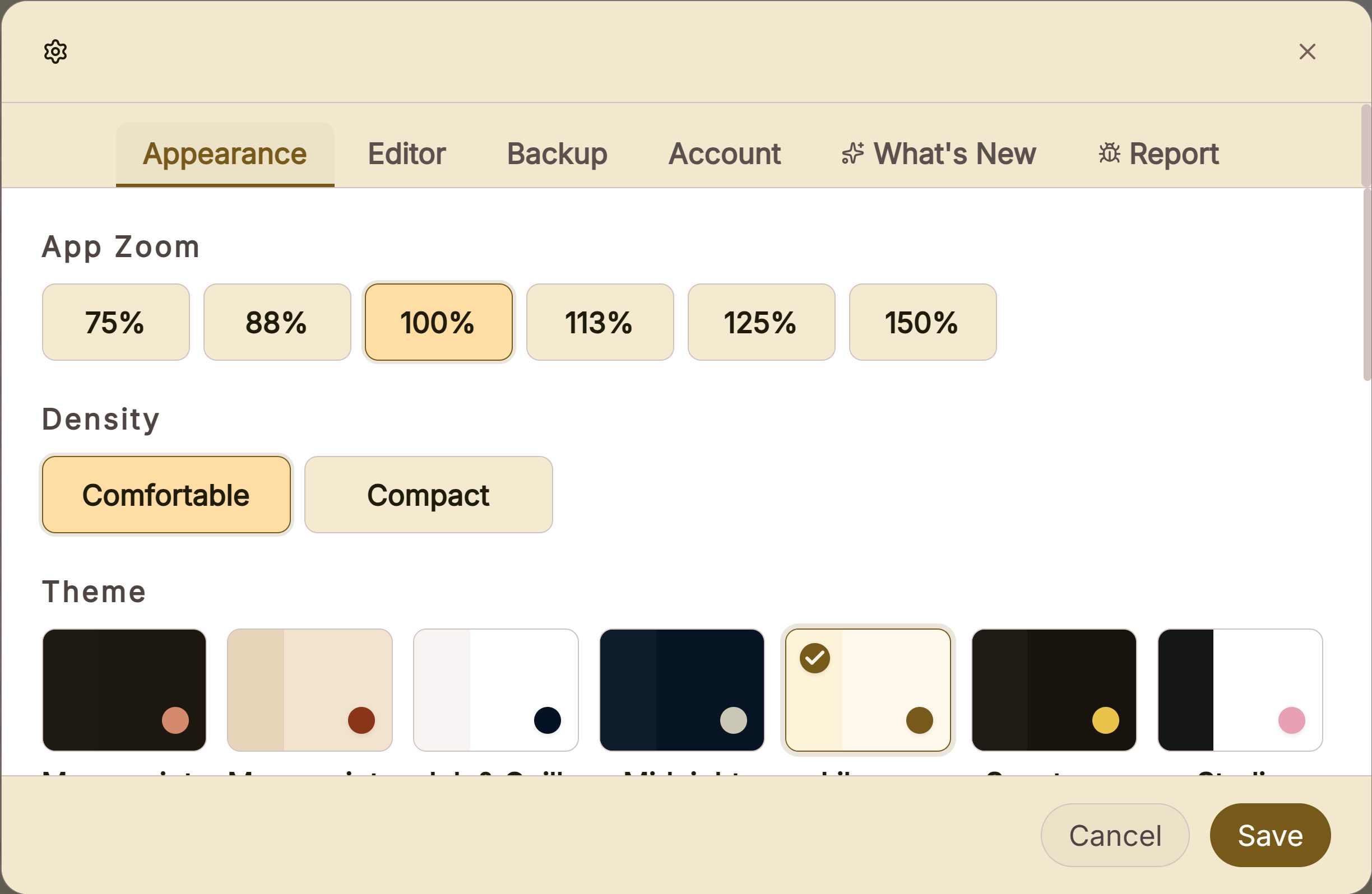 Appearance settings with themes and zoom
 Settings tab strip
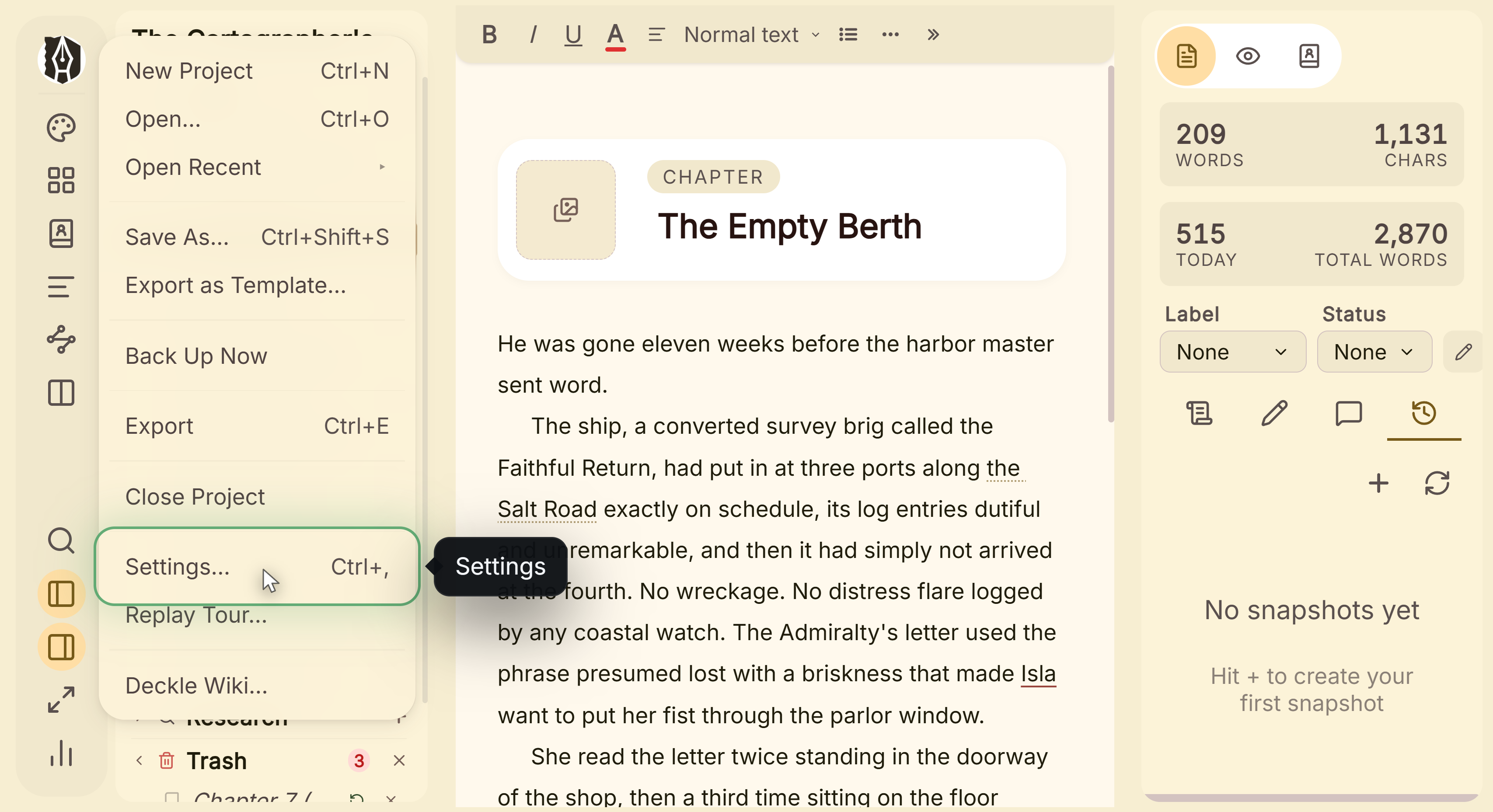 File menu open on Settings
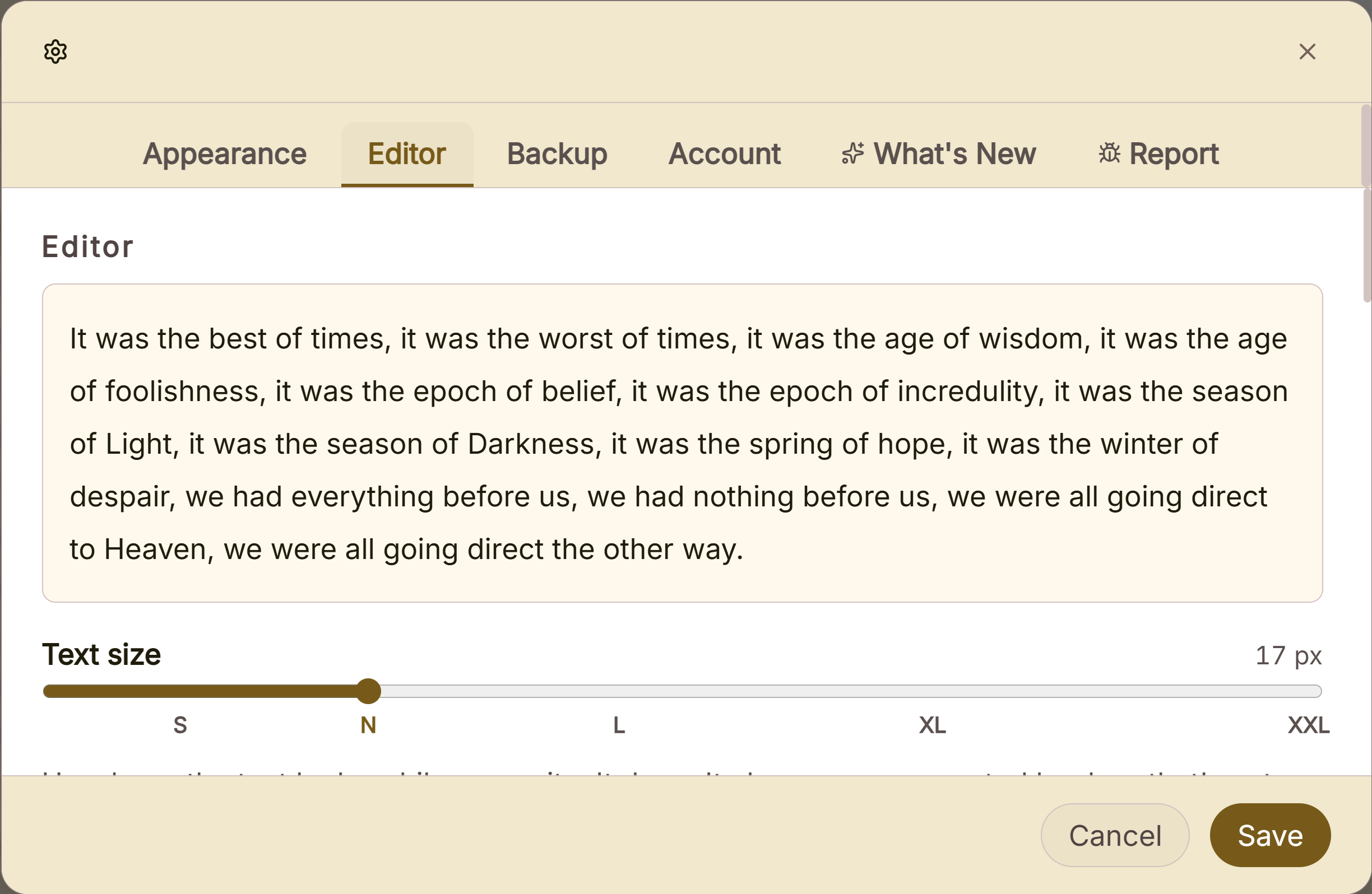 Editor settings for font, spacing and marks
What You Can Do
- Pick from 6 built-in themes (three light/dark pairs), or build your own from a single seed color.
- Set a custom background image behind the editor canvas.
- Adjust the writing area itself: text size, width, line spacing, alignment, and typewriter scrolling (keeps your cursor vertically centered as you type).
- Choose your spellcheck language and turn spellcheck on or off entirely.
- Set where automatic backups are stored, how many are kept, and how often they're triggered.
- Manage your license and check for app updates.
How to Use Settings
- Open Settings.
- Pick a tab: Appearance, Editor, Backup, Account, What's New, or Report.
- Make your changes. Every setting live-previews immediately.
- Close normally (the X button, clicking outside, or Escape) to keep your changes, or use the explicit Cancel button to revert everything back to how it was when you opened Settings.
Settings vs. Styles: Two Different Things
It's easy to look for the wrong one: Settings controls the app itself, its theme, zoom, editor feel, backups. Styles controls your book's design, fonts, trim size, chapter headers, colors, and is a completely separate panel. Changing your UI theme in Settings never affects how your exported book looks, and changing your book's font in Styles never affects the app's own interface.
A Couple of Things Worth Knowing
💡 Every change live-previews instantly, and closing normally keeps it. Only the explicit Cancel button discards what you've changed; the X button, clicking outside, and Escape all save.
💡 Custom themes generate a full palette from one seed color, not just a single accent swap. Pick a hue and chroma, choose light or dark, and every UI color is generated to work together from that one starting point.
💡 Backups run automatically: on opening a project, on closing it, and every so many words written, with a configurable location and how many to keep.
FAQ
Where do I change my book's font, Settings or Styles?
Styles. Settings only affects the app's own interface (its theme, zoom, and editor feel), never your manuscript's design.
Does closing Settings without clicking Save discard my changes?
No, every setting live-previews as you make it, and closing normally (X, clicking outside, Escape) keeps it. Only the explicit Cancel button reverts your changes.
Can I build my own theme instead of using a built-in one?
Yes, pick a seed color and light or dark mode, and Deckle generates a complete, coordinated theme from it.