

A Label is a color-coded tag you define yourself. There's no fixed list to work around, so it fits whatever you actually need to track: point-of-view character, tone, subplot, or anything else that's useful to see at a glance across your binder.
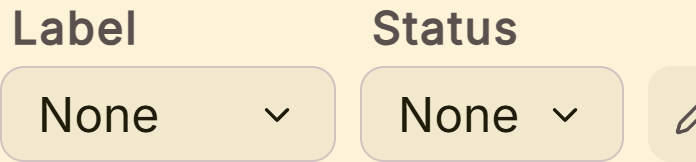 Label and status controls in the inspector
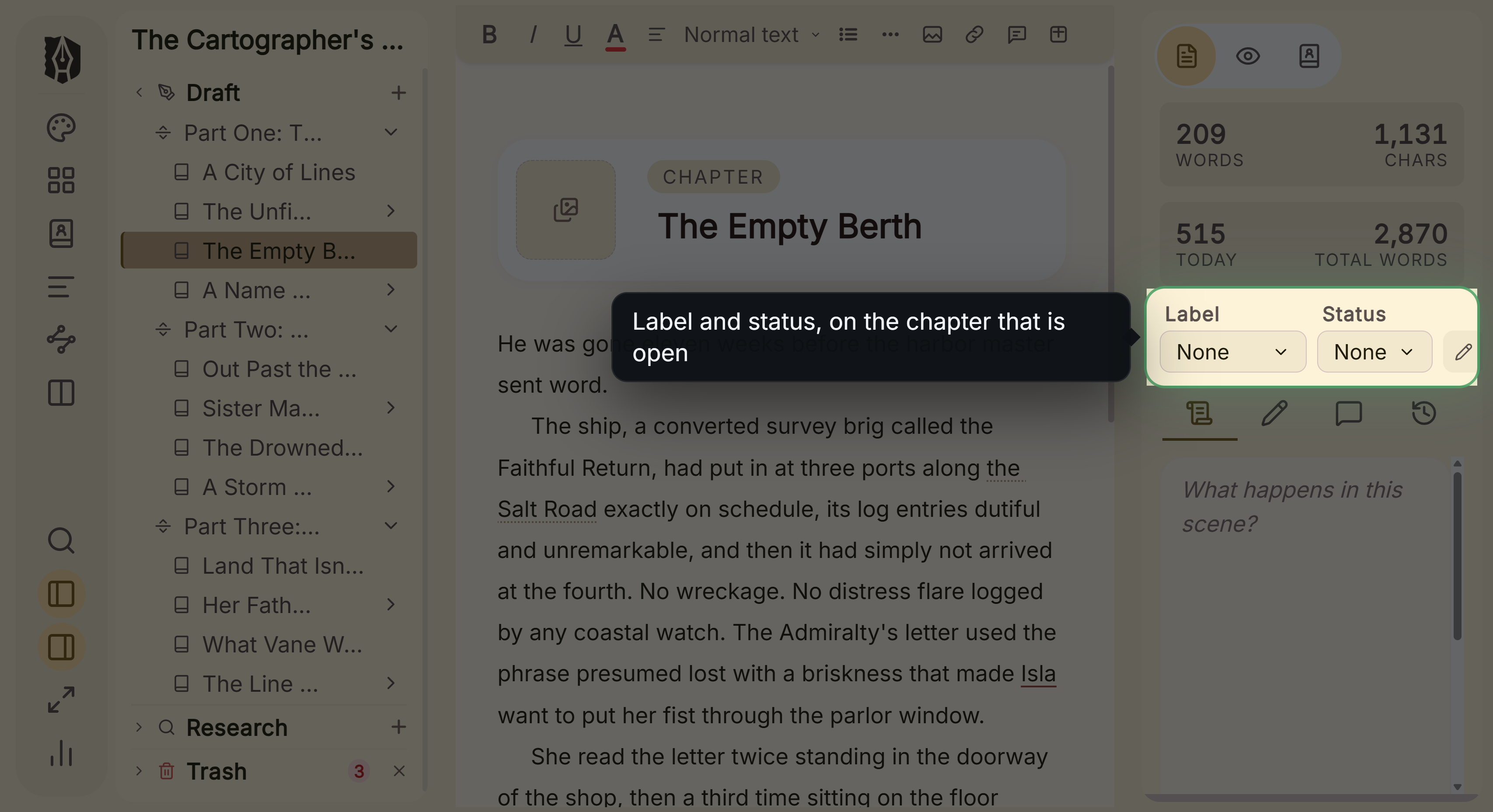 Label and status picked out beside the editor
What You Can Do
- Create, rename, recolor, and delete your own labels; there's no fixed built-in set you're stuck with.
- Assign one label to any chapter or scene, visible as a colored dot in the Binder and Outliner.
- Filter and sort the Outliner by label.
- See how many documents currently use a label before deleting it.
How to Use Labels
- Select a document, open the Inspector, and use the Label dropdown to assign one, or choose "None" to clear it.
- To create your own labels, click the pencil icon next to the Status dropdown to open the Metadata Manager, then switch to the Labels tab.
- Type a name, pick a color, and click Add.
- Double-click any label's name to rename it, or click its color dot to recolor it.
- Delete a label with the trash icon. The Manager shows how many documents currently use it first, and removing it just clears the label from those documents rather than deleting them.
Where Labels Show Up
- Binder: a small colored dot next to each chapter or scene.
- Outliner: a colored dot/pill in Grid view, or a dedicated, sortable "Label" column in List view.
The Outliner also lets you filter by label, so you can isolate, say, every scene tagged with one POV character or one revision stage.
A Couple of Things Worth Knowing
💡 A document can have exactly one label at a time, not several. If you need to track more than one dimension at once (say, POV and revision stage), Deckle's separate Status field can carry a second, independent tag alongside your label.
💡 Labels have no fixed categories or groups. They're a flat, freely-named list. If you want to represent something like "POV: Elena," you name the label that directly; Deckle doesn't have a dedicated POV-tracking feature separate from Labels. This is intentional: Deckle's own onboarding tour demonstrates exactly this, creating a label called "POV: Elena" rather than using any special POV field.
💡 Labels don't affect export or compile. They're purely organizational; including or excluding a document from your exported manuscript is a separate, unrelated setting, not tied to its label.
FAQ
How do I track which character's POV a scene is written from?
Create a custom label for each POV character (for example, "POV: Elena") and assign it to the relevant scenes. This is exactly what Deckle's own built-in tour demonstrates, since there's no separate dedicated POV field.
Can a chapter have more than one label?
No, one label per document. Use Status alongside it if you need a second, independent tag.
Does deleting a label delete the documents that use it?
No, it just clears that label from those documents. The Metadata Manager shows you how many documents are affected before you confirm.
Can I search for documents by label?
Not from the Search panel, but the Outliner supports filtering by label directly.