

A story structure like the Three-Act Structure gives you the beats. Deckle's Outliner gives you a place to actually plan and track them against your real chapters, instead of a separate spreadsheet or corkboard that drifts out of sync with your manuscript.
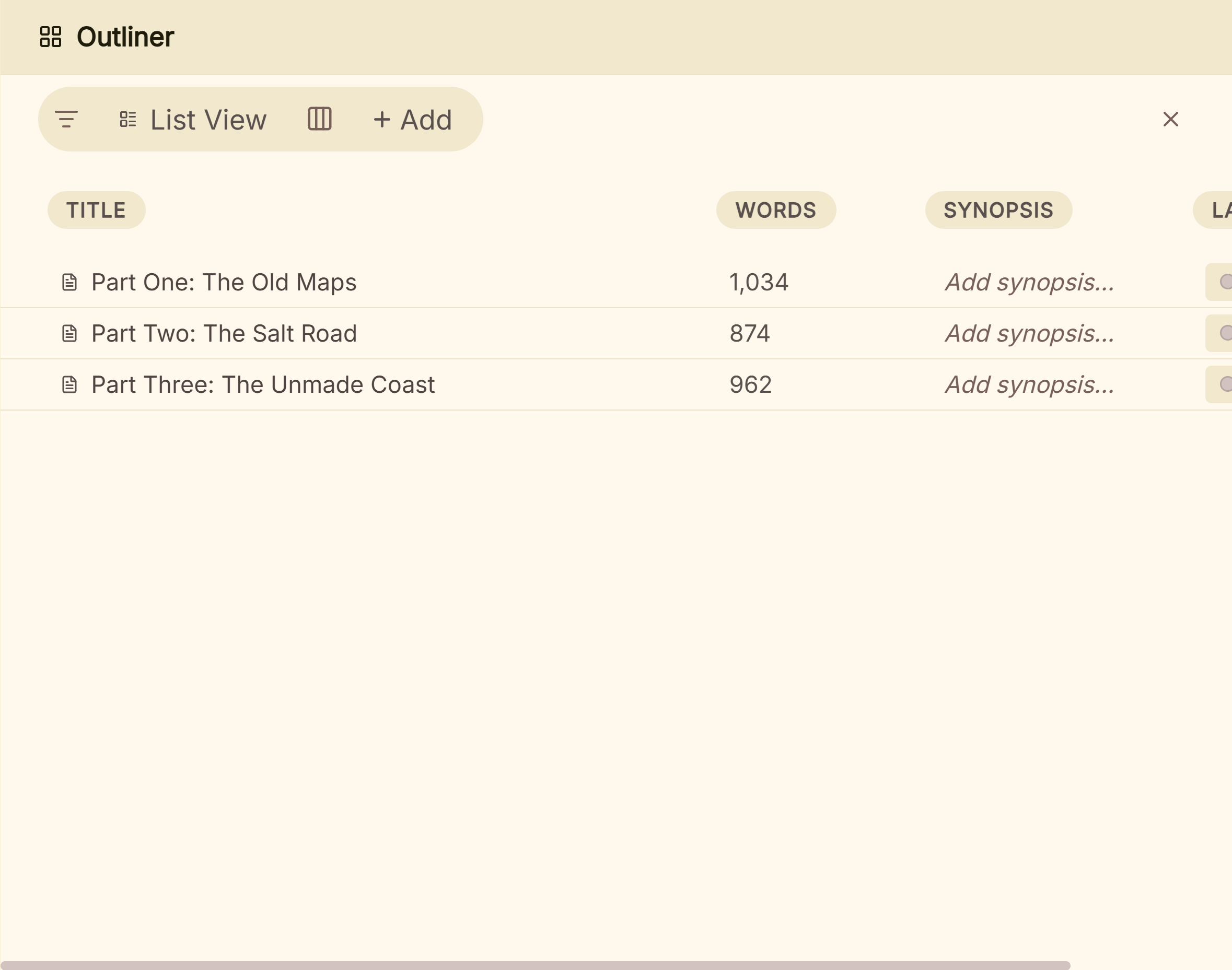 The book laid out in the Outliner
What You'll Need
- A rough sense of your story's major beats (even if they're not finalized yet), and a Deckle project with at least placeholder chapters or scenes started.
Step-by-Step
- Create a Label for each major structural beat you're tracking. For the Three-Act Structure, that's typically Setup, Inciting Incident, Plot Point 1, Rising Action, Midpoint, Plot Point 2, Climax, and Resolution. Give each a distinct color in the Metadata Manager so they're easy to tell apart at a glance.
- Open the Outliner in Grid view and write a synopsis for each scene or chapter as you draft or plan it. This is what makes the card view actually useful for scanning your structure.
- Tag each card with its beat's Label as you write or plan it, so your Outliner becomes a visual map of where each structural beat actually falls in your manuscript.
- Scan the card order for shape, not just content. A Three-Act Structure has expected proportions: Act One roughly the first quarter, Act Two the middle half, Act Three the final quarter, and seeing your beat Labels laid out in card order makes it obvious if your midpoint is landing too early or your setup is dragging.
- Use the Outliner's Label filter to isolate one act at a time when you want to focus a revision pass on just Act Two's pacing, without the rest of the manuscript in view.
- Cross-check major turning points against Timeline if your story has multiple POV threads or subplots. Timeline shows you whether your Plot Point 2 for one character's arc actually lines up with where you need it relative to another's.
Adapting This to Save the Cat or the Snowflake Method
The mechanics here aren't specific to the Three-Act Structure; they work the same way for any beat-based outlining method:
- Save the Cat's 15 beats (Opening Image, Theme Stated, Catalyst, Break Into Two, Midpoint, All Is Lost, Break Into Three, Final Image, and the rest) map onto Labels exactly the same way: one Label per beat, tagged onto the scene or chapter where it happens.
- The Snowflake Method builds outward from a one-sentence premise into increasingly detailed passes. For that, Synopsis fields (rather than Labels) are the better fit, since each expansion pass is really about writing more detail into a card's summary, not tagging a fixed beat. Start with one-line synopses across your whole Outliner, then expand each card's synopsis in a second pass, and again in a third, the same way the method itself works.
For whether to outline at all, see outlining vs discovery writing. For character change, see character arc types. For the two dominant frameworks, see the hero's journey structure and Save the Cat beat sheet explained.
Common Mistakes
- Creating beat Labels but never actually tagging scenes with them. The value here is entirely in seeing your beats laid out against your real manuscript; an unused Label list doesn't help you notice a structural problem.
- Treating the proportions as rigid rules instead of a sanity check. The point of seeing your beats mapped out is to notice something worth a second look, not to force your story into exact percentages.
- Outlining in a separate document or app and never bringing it into Deckle. Once your beats live only in your head or an external planning doc, they can't stay in sync with your manuscript as it evolves; tagging directly in the Outliner keeps the plan and the draft as one source of truth.
FAQ
Do I need to plan my whole structure before I start writing?
No. Tagging Labels works just as well retroactively, checking your structure against what you've already written, as it does planned out in advance.
Can I use more than one structural framework at once, like Three-Act Structure and Save the Cat together?
A document only carries one Label, so you'd need to pick one framework's beats as your Label set. If you want to check your structure against a second framework too, that's more of a manual comparison pass than something to tag simultaneously.
Is there a template for this already built into Deckle?
Not a beat-structure-specific one, but a Project Template is a good way to save your own beat-Label setup once you've built it, so future projects start with the same structure already in place.