

Keeping a Deckle project in a synced folder is a normal way to work across two computers, but if a sync service updates your project's files at slightly different times, Deckle can end up seeing a database and a journal file that don't agree, triggering automatic crash recovery. Here's what to do when that happens, and how to avoid it going forward.
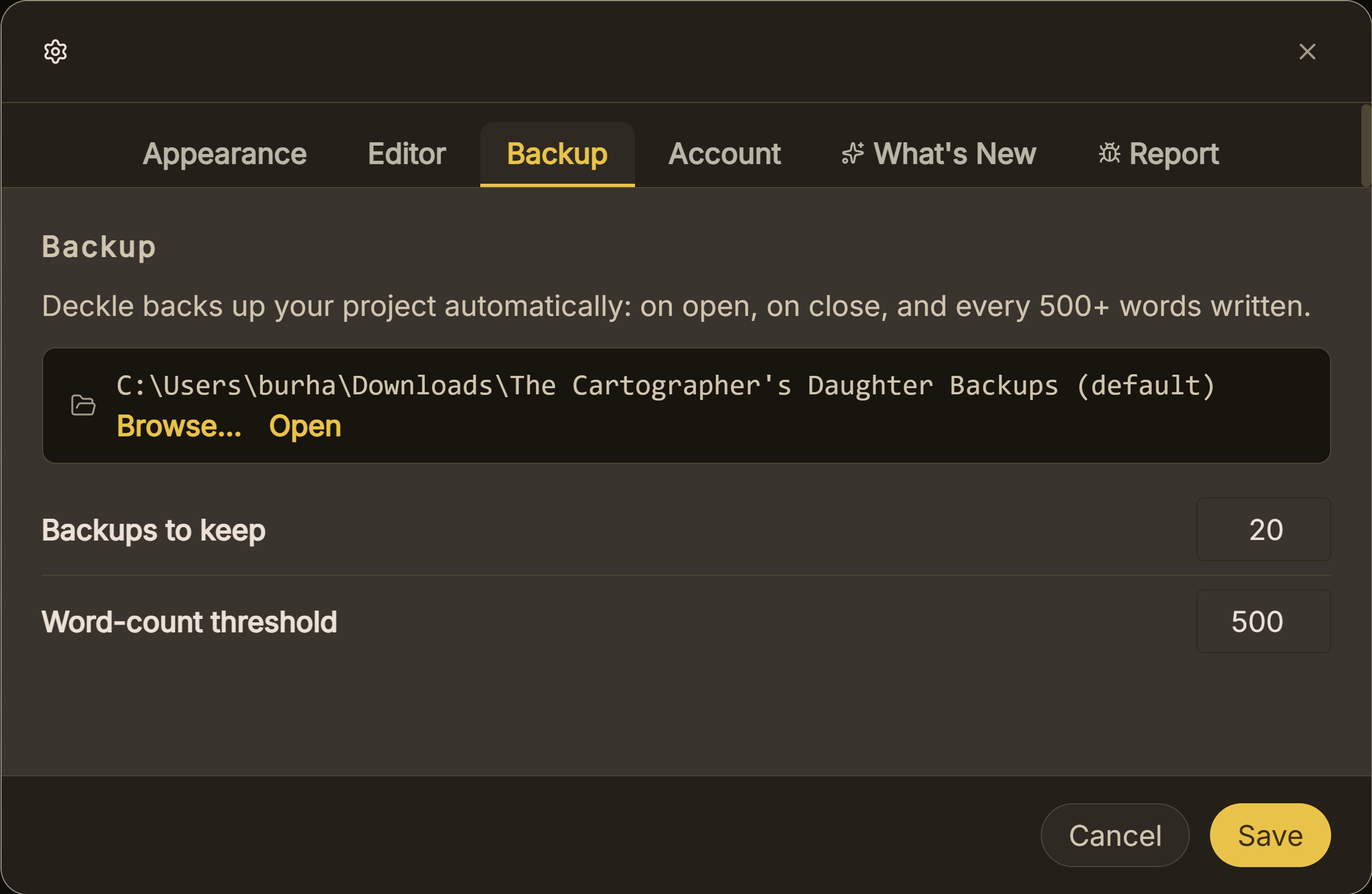 Automatic backups
What You'll Need
- Nothing extra to fix it: Deckle walks you through the repair itself.
Step-by-Step
- When you see "Project File Out of Sync," click Repair & Open. Deckle backs up the project exactly as it is first, then repairs it. There's no separate action to take beforehand.
- Check the recovery report if one appears. Most of the time, the light repair step is all it takes and you'll go straight into your project with nothing lost. If a report does appear, it's telling you specifically which documents needed deeper reconstruction, most commonly showing as content intact with only minor details rebuilt.
- Open any document listed as restored from a snapshot or backup, and check it against what you remember writing most recently. Recovered content reflects whatever your newest snapshot or backup captured, which may be slightly behind your very latest changes on whichever device you were using at the time.
- Going forward, close the project on one device before opening it on another. This is the actual cause of most sync conflicts: editing (or even just leaving the project open) on two devices at once means the sync service has two different versions to reconcile, and that's exactly the situation that can leave the database and journal out of sync.
- Give your sync app a moment to finish uploading before switching devices: check that Dropbox, iCloud, or Google Drive shows everything fully synced, not still in progress, especially right after closing your laptop lid.
Common Mistakes
- Keeping the project open on both devices at once. This is the single most common cause of an out-of-sync project: treat "close it here before opening it there" as a hard rule, not a suggestion.
- Switching devices before a sync finishes uploading. If you close your laptop and immediately open the project on another device, the sync service may not have finished carrying your latest changes over yet.
- Panicking and trying to manually fix files in the project folder. Don't touch the
.decklefile or its journal files directly. Let Deckle's repair flow handle it; manual intervention is far more likely to make things worse. - Assuming a recovered document is missing content permanently. Check whether you have a more recent snapshot or export elsewhere before assuming anything is truly gone. Recovery pulls from your newest available snapshot or backup, which may not be your very latest edit.
FAQ
Is it safe to keep my Deckle project in Dropbox or Google Drive?
Yes. That's a normal and supported way to work across multiple devices, as long as you close the project on one device before opening it on another.
Why did this happen even though I thought I closed the project properly?
The most common cause is a sync service still uploading your latest changes when you opened the project again on another device. Give it a little extra time after closing before switching machines.
Does this mean my cloud-sync setup is broken and I should stop using it?
No. This is a one-time repair for a specific conflict, not a sign your setup doesn't work. Following the close-before-switch habit going forward avoids it happening again.