

If Deckle's database and its journal file don't agree when you open a project (usually from a crash mid-write, or a cloud-sync service updating files at slightly different times), Deckle detects it immediately and walks you through a repair, rather than failing to open with no explanation.
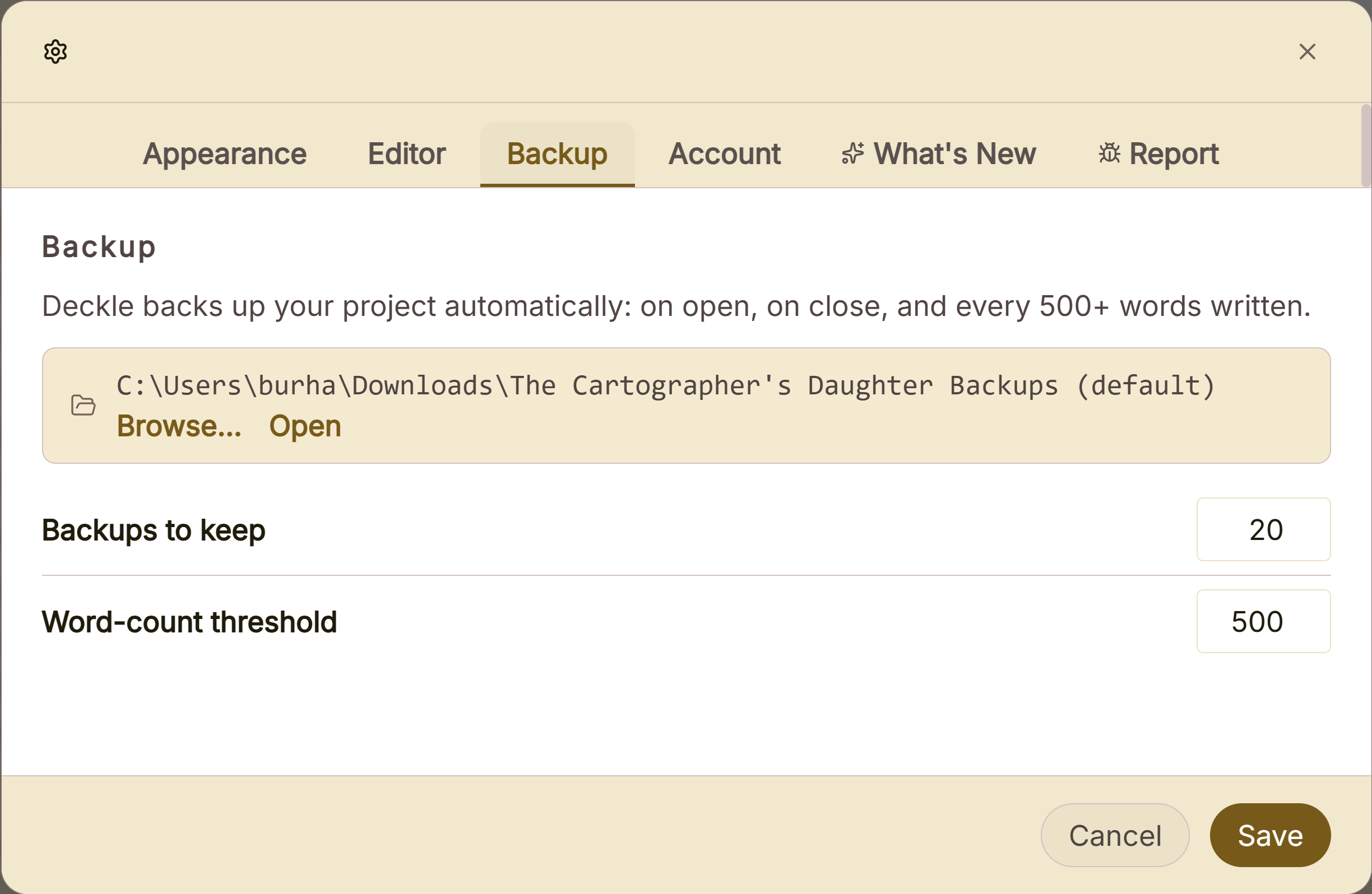 Backup folder used for crash recovery
What You Can Do
- Get a clear explanation the moment Deckle detects a project is out of sync, instead of a cryptic error.
- Have Deckle repair it automatically, in one click.
- See exactly which documents (if any) needed deeper reconstruction, and how each one was recovered.
- Trust that nothing is silently deleted: even a genuinely unrecoverable document is replaced with a clear placeholder explaining what happened, not just erased.
What Happens When It's Detected
When you open a project Deckle finds out of sync, you'll see: "Project File Out of Sync", explaining that the database and its journal file don't match, and that Deckle can repair it by backing up the project exactly as it is right now, then discarding the mismatched journal and reopening from the last saved state. Click Repair & Open to proceed.
How the Repair Works
- A full backup of the project, exactly as it is, is saved first, before anything is touched, regardless of what happens next.
- A light fix is tried first: Deckle discards the out-of-sync journal file and reopens from the main database alone. This resolves the vast majority of cases.
- If that's not enough, Deckle rebuilds the database from scratch, table by table, recovering whatever content it can. For any document that can't be read directly, it looks for the newest manual snapshot of that document, then the newest whole-project automatic backup that still has it.
- If a document still can't be recovered by any means, Deckle inserts a clearly labeled placeholder in its place (explaining what happened) rather than letting it silently disappear.
The Recovery Report
If deeper reconstruction was needed, you'll see a report listing every affected document and exactly how it was recovered:
- Content is intact, some details reconstructed: your actual text survived; only surrounding details like its position or timestamps had to be rebuilt.
- Restored from a snapshot: the document's live content was lost, so Deckle used the newest manual snapshot you'd saved for it.
- Restored from an automatic backup: no snapshot existed, so Deckle pulled the document from the newest whole-project backup that still had it.
- Content could not be recovered, kept as a placeholder: no snapshot or backup had this document either; a placeholder was inserted so nothing goes missing without explanation.
A Couple of Things Worth Knowing
💡 Repair is required to proceed: there's no way to open a project as-is while it's out of sync. Declining just leaves the project closed, since attempting to open it directly would risk further damage.
💡 A snapshot or backup taken after the point of corruption always wins over an older one. If you've been saving snapshots regularly, recovered content is likely to be much more recent than whatever your last automatic backup happened to capture.
💡 The original broken project file is always preserved, untouched, in a separate backup. Even in the worst case, nothing about the original state is thrown away during the repair process itself.
FAQ
Will I lose everything if Deckle says my project is out of sync?
Almost certainly not. This is usually resolved by the first, light repair step, which doesn't lose anything. Even in a worse case, Deckle recovers what it can from snapshots and backups, and clearly marks anything it genuinely couldn't.
Can I just open my project without repairing it?
No, repair is required to proceed once Deckle detects a mismatch, since opening a genuinely out-of-sync database directly risks making things worse.
What actually causes this?
Most commonly, a cloud-sync service like Dropbox, iCloud, or Google Drive updating your project's files at slightly different times, or Deckle being force-quit or crashing mid-write.
If a document shows as "unrecoverable," is it really gone forever?
From Deckle's own snapshots and backups, yes, but the original broken project file is preserved separately during the repair, so if you have any outside backup of your own from around that time, that's worth checking too.