

Everything but your text disappears: the Binder, the Inspector, the toolbar, even the app's own icon rail, leaving a narrow, centered column that's just you and the page. See writing distraction-free in Deckle for a full setup walkthrough.
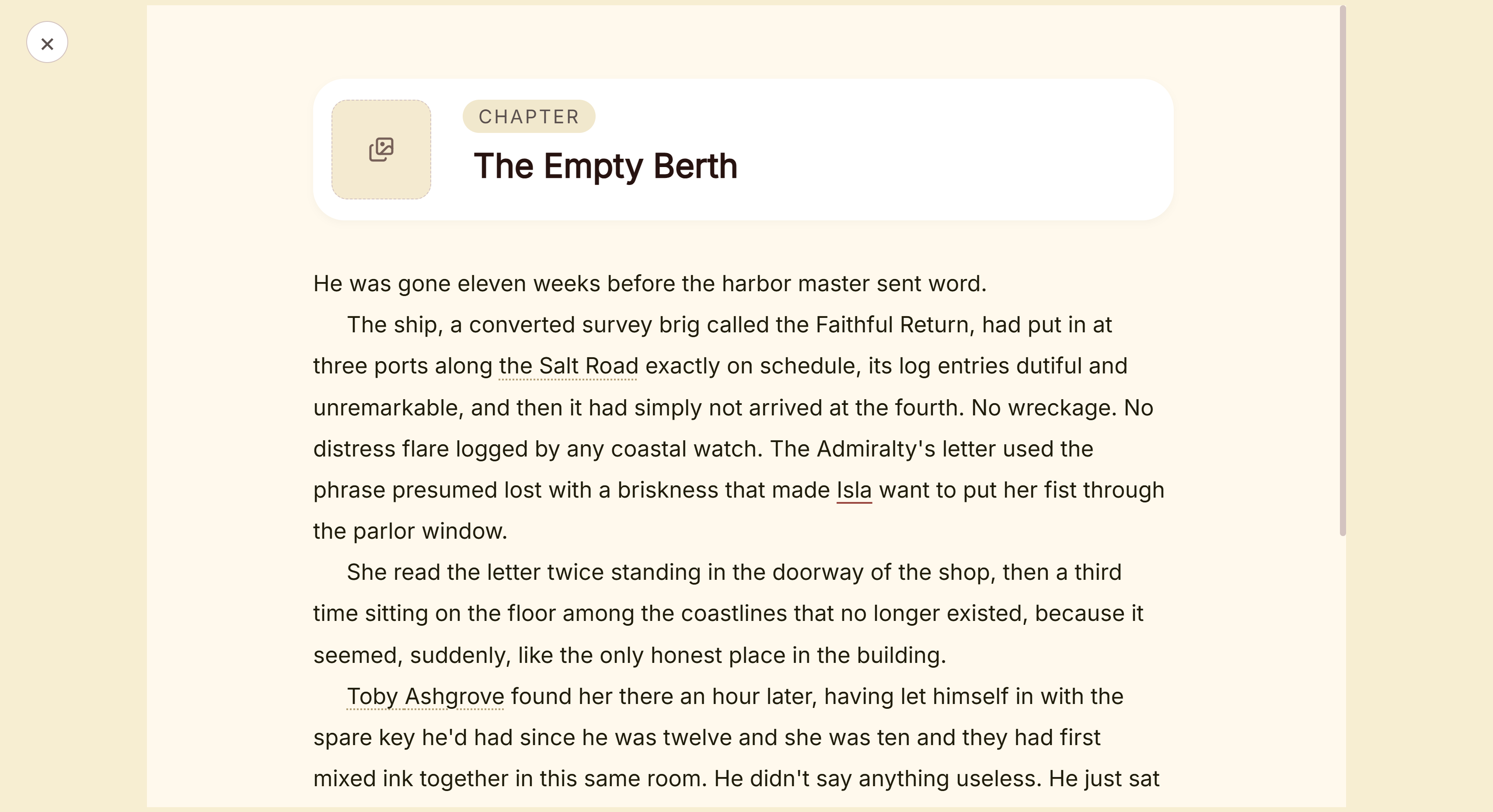 Focus mode with every panel hidden
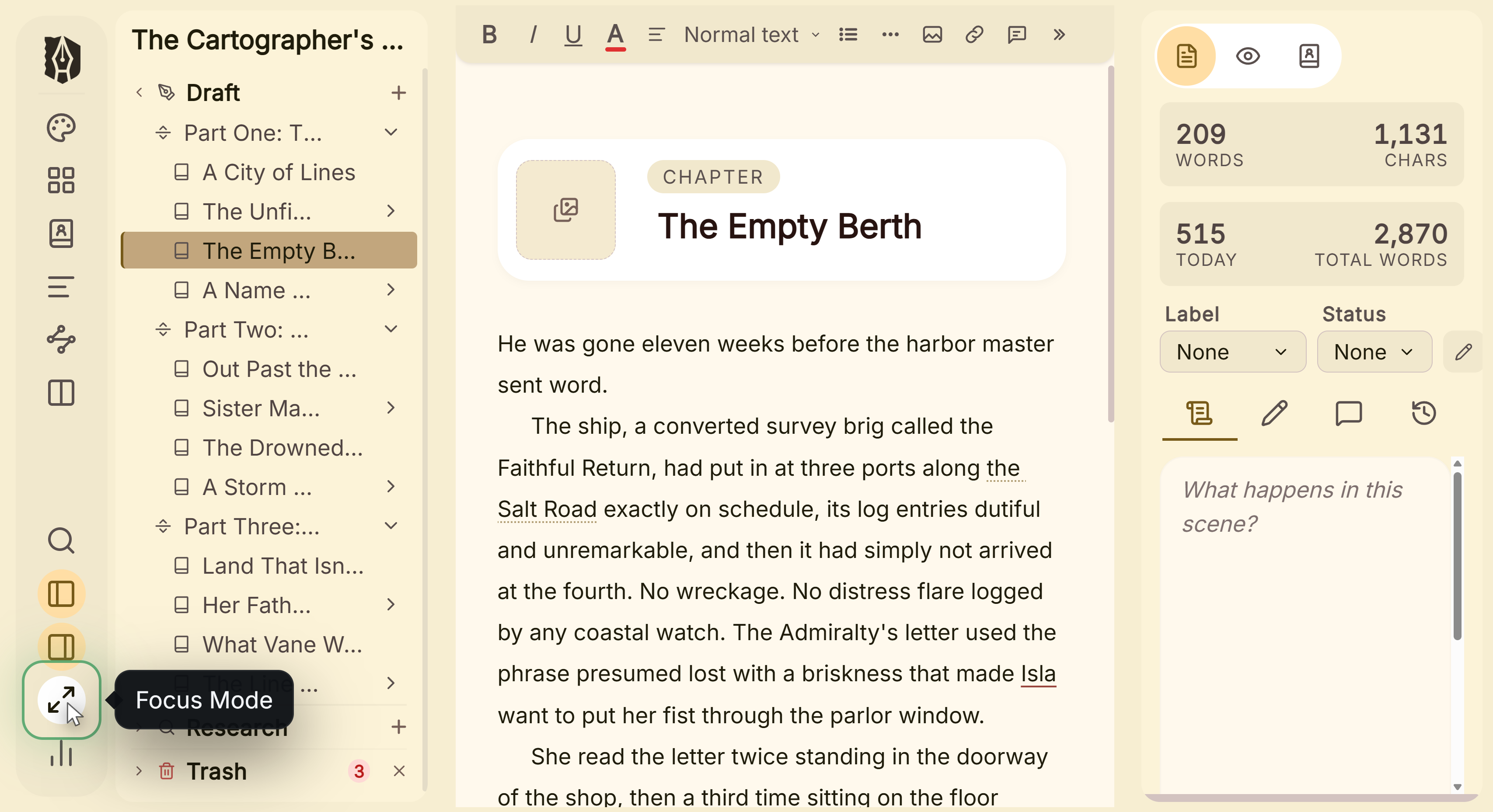 Focus mode control in the left menu
What You Can Do
- Hide every panel and toolbar except your text, in one click.
- Set your own width for that centered column, independent of your normal editor width.
- Combine it with typewriter scrolling to keep your cursor at a steady position on screen as you type.
- Exit back to your normal layout instantly, with the Binder and Inspector restored exactly as you left them.
How to Use Focus Mode
- Click the Focus Mode icon in the left icon rail (or, on macOS, use the app menu's Focus Mode item).
- Write. The Binder, Inspector, icon rail, and editor toolbar are all hidden, and your text column narrows and centers itself.
- Drag the edge of the column if you want to widen or narrow it for this session.
- Click the × in the corner to exit. Your Binder and Inspector return exactly as they were before you entered.
A Couple of Things Worth Knowing
💡 Focus Mode's width is a separate setting from your normal editor width. Widening or narrowing the column while in Focus Mode doesn't touch your everyday editor width setting, and vice versa. They're independently adjustable in Settings → Editor.
💡 There's no keyboard shortcut to enter or exit Focus Mode, not even Escape to exit. Use the icon button to enter, and the × button in the corner to leave.
💡 Focus Mode only hides interface chrome. It doesn't dim or fade any of your text. If you want your cursor kept at a steady vertical position as you type, that's a separate setting: typewriter scrolling.
FAQ
Does Focus Mode go fullscreen?
No, it stays within Deckle's normal window, just with every panel and toolbar hidden and the text column centered.
Can I use Focus Mode with a split editor open?
Yes, Focus Mode and split panes are independent. Entering Focus Mode hides the Binder, Inspector, and toolbar around whatever panes you already have open.
Is there a keyboard shortcut to exit Focus Mode?
No, including Escape. Click the × button that appears in the corner while Focus Mode is active.