

An update that fails to check or install doesn't put your current installation at risk. Deckle only replaces what's running once a new version has fully downloaded and installed successfully.
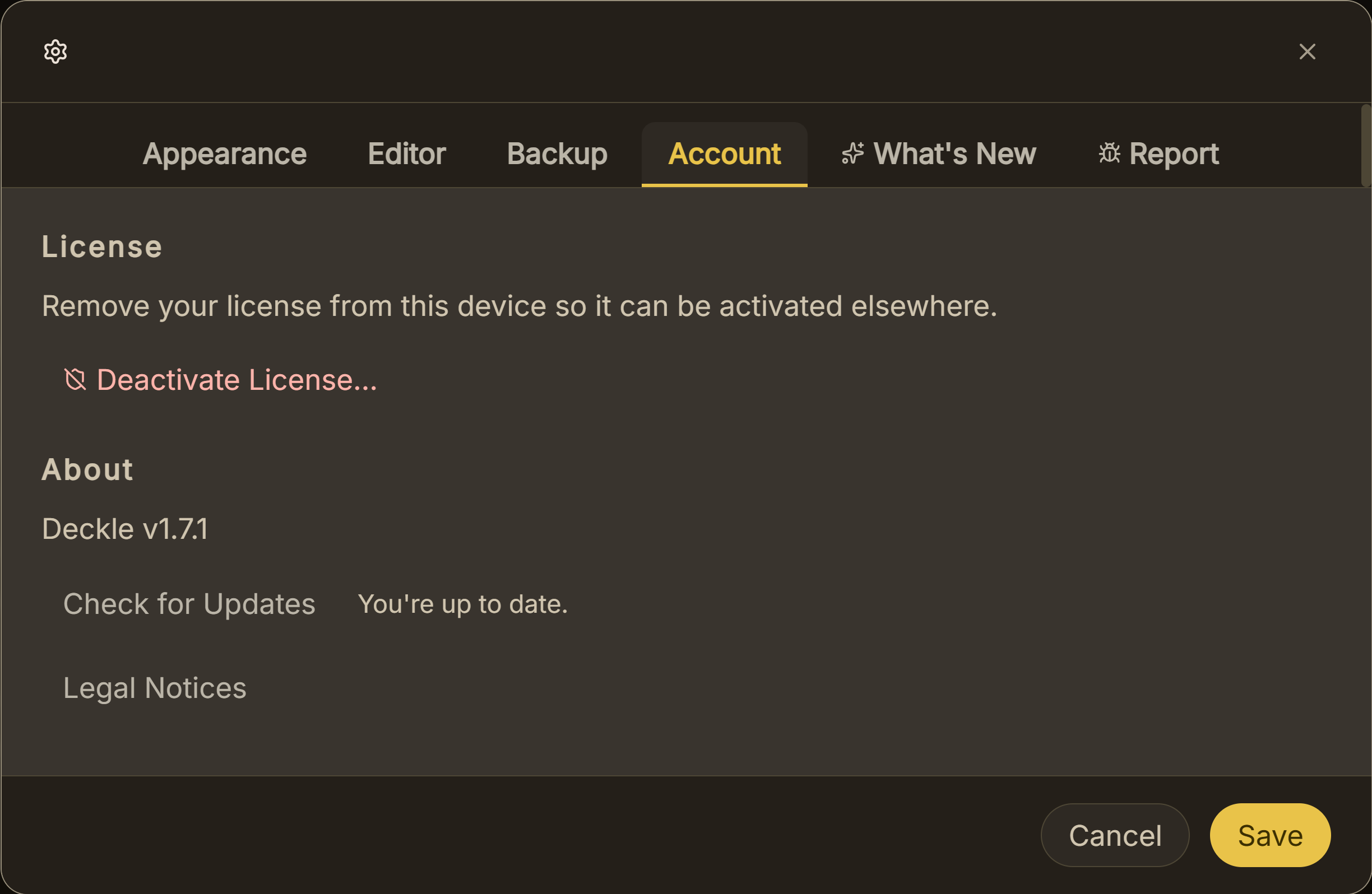 Check for updates
What You'll Need
- A working internet connection to retry.
Step-by-Step
- If the update check itself failed (you see "Couldn't check for updates" in Settings → Account), confirm you actually have an internet connection, then click Check for Updates again.
- If an install failed partway through (you see a "failed to install" message after confirming), your existing version is untouched. Deckle only relaunches into the new version once installation actually completes, so a failed attempt just leaves you on what you already had.
- Retry the install. Reopen the update prompt via Settings → Account's Check for Updates button, and confirm again.
- If it keeps failing, check whether something on your network is blocking the download. A restrictive firewall, VPN, or antivirus tool can sometimes interfere with an app's update traffic.
- Restart Deckle and try once more before assuming something's genuinely wrong. A one-off network hiccup during download is the most common cause.
Common Mistakes
- Assuming a failed update means your current Deckle installation is broken. It doesn't. A failed check or a failed install both leave your existing, working version exactly as it was.
- Repeatedly clicking Install without checking your connection first. If the failure is network-related, retrying without addressing that just fails the same way again.
- Not checking Settings → Account after a quiet launch-time failure. An automatic check that fails while you're offline doesn't show a popup. If you're unsure whether you're on the latest version, check there directly.
FAQ
If an update fails to install, do I lose my current version of Deckle?
No. Deckle only switches over to the new version after a fully successful download and install. A failure leaves your current installation exactly as it was.
Why didn't I see any message when my update check failed on launch?
A failed automatic check (for example, because you were offline at that moment) doesn't show a popup. Open Settings → Account to see the result of your last check.
Is my project data at risk if an update fails?
No. The update process only concerns the Deckle application itself, not your project files.