

Deckle checks for a new version every time you launch it, and installing one is a single click: no separate downloader, no manually replacing the app.
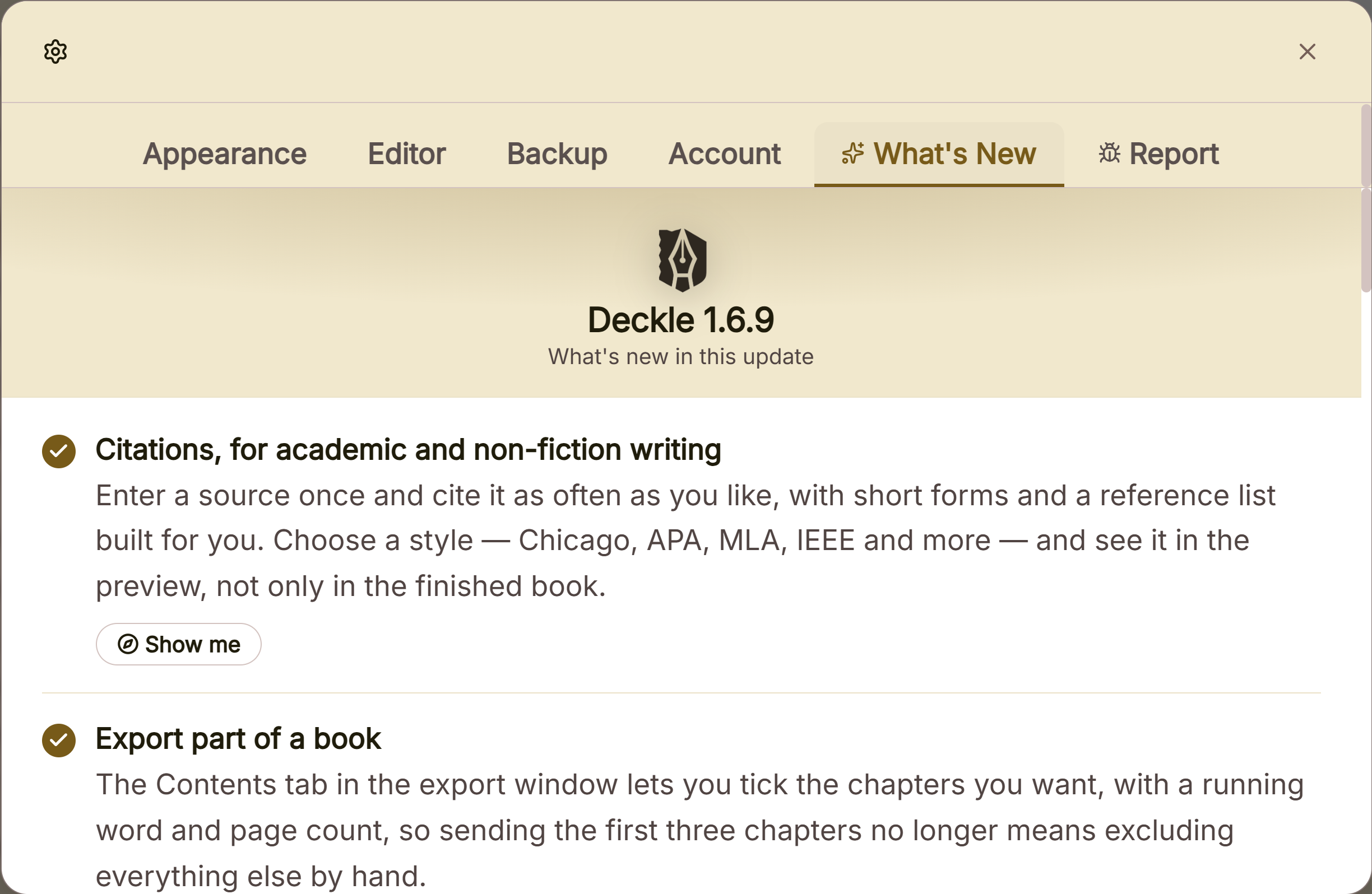 Update check in the what is new panel
What You Can Do
- Get notified automatically when a new version is available, every time you open Deckle.
- Check manually at any time from Settings, and see your current version number.
- Watch a live progress indicator while an update downloads and installs.
- Have Deckle restart itself automatically once the update is ready.
How Updates Work
Deckle checks for an update once, automatically, each time you launch it. If one is found, a dialog appears immediately: "Update Available. Version X.Y.Z is ready to install. Install and restart now?" Click Install & Restart to proceed, or Cancel to keep working. Dismissing it doesn't skip the update permanently; it'll simply be offered again the next time Deckle checks.
Once you confirm, a small progress indicator appears while it downloads, showing a live percentage. It then briefly shows "Installing update…" and "Restarting…" before Deckle relaunches itself automatically. No further confirmation is needed once you've clicked install.
Checking Manually
- Open Settings → Account.
- Your current version is shown here (for example, "Deckle v1.5.0").
- Click Check for Updates. It tells you either that you're up to date, or that a specific new version is available.
A Couple of Things Worth Knowing
💡 Dismissing an update prompt doesn't lose it. Clicking Cancel just closes the dialog for now. The same update will be offered again on your next launch or manual check, not silently skipped.
💡 The restart is automatic once you click install. There's no second "are you sure" prompt after you've confirmed. Deckle downloads, installs, and relaunches itself in one flow.
💡 A failed update check on launch happens quietly. If you're offline at that exact moment, nothing pops up to tell you. Check Settings → Account if you want to confirm whether your last check succeeded. See troubleshooting a failed update if an install itself fails.
FAQ
Do I need to download anything myself to update Deckle?
No. Everything happens inside the app. Confirm the update prompt, and Deckle handles downloading, installing, and restarting itself.
What happens if I click Cancel on the update prompt?
Nothing is lost. The same update is offered again the next time Deckle checks, whether that's your next launch or a manual check.
Where do I find my current Deckle version number?
Settings → Account, right above the Check for Updates button.
What if the update fails to install?
You'll see a message telling you it failed and to try again. Your existing installation isn't touched, so you can safely retry.