

There is no longer a choice to make. MOBI is retired, and Amazon says so with dates. Send EPUB.
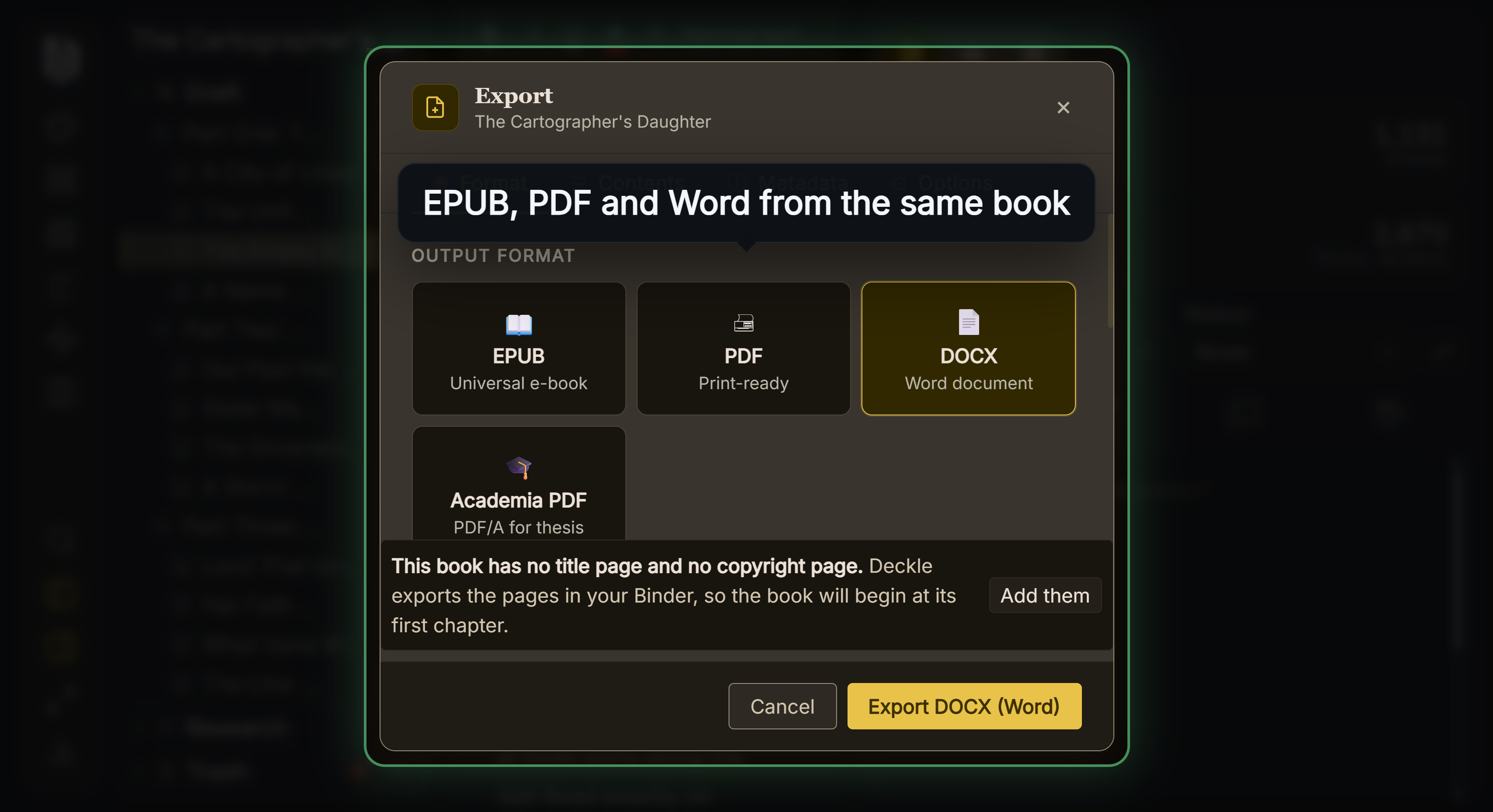 Every format from one manuscript
The comparison is worth understanding only because so much advice still assumes MOBI is the Kindle format, and because the tools that used to make it have been withdrawn.
The Two Dates
Amazon's MOBI support FAQ carries both cutoffs in a single sentence:
"Effective March 18, 2025, we no longer support MOBI files for fixed-layout eBooks. This change completes our transition away from the MOBI format, as we previously ended support for MOBI files for reflowable books on August 1, 2021."
Note the reflowable date: 1 August 2021, not 2022, which is the year most articles give. Three separate dates circulate for what people call "the MOBI deprecation" and they are different events.
Existing books are untouched: "this change only applies to new uploads... No action is required for previously published eBooks that are not being updated."
Amazon's stated replacements: "To create reflowable eBooks, use EPUB, KPF (Kindle Create, Kindle Previewer), or DOC/DOCX (Microsoft Word) files. For fixed-layout eBooks, use KPF (Kindle Create) files or EPUB."
The Tools Are Gone Too
This is the part that settles it in practice. The Kindle Publishing Guidelines' own revision history records the removal:
"Removed the following sections as Amazon restricting MOBI format ingestions and following tools are deprecated o 2.2.1 KindleGen o 2.2.3 Kindle Comic Creator o 2.2.4 Kindle Kids' Book Creator o 21.1 KindleGen Command"
KindleGen, the command line tool that made MOBI files, is formally deprecated. Kindle Previewer will no longer even open the format: it "opens eBooks in .epub, .htm, .html, .xhtml, .opf, .kpf, .doc, and .docx formats."
The old habit of sideloading a MOBI to a device to check it is also discouraged: "Amazon no longer recommends sideloading eBooks to devices for testing, because sideloading does not provide an accurate preview of Enhanced Typesetting features."
What the Formats Actually Are
EPUB is a ZIP archive of XHTML, CSS and resources, maintained as an open standard by the W3C. It is the format every retailer accepts, and the one the Library of Congress lists as preferred for digital textual works.
MOBI descends from the Mobipocket format, itself derived from a Palm PDA format. The Library of Congress records the lineage: "The Mobipocket file format, initially referred to as the XDOC PRC format, is based on a format, known as PRC, in use in 2000 for documents on Palm Personal Digital Assistants (PDAs)." It is proprietary, and Amazon "has not provided full documentation for this updated binary format."
That age is the real story. MOBI's rendering capabilities date from an era before CSS was expected to work, which is why Amazon layered KF8 on top of it and eventually moved to accepting EPUB instead.
What Amazon Actually Sends to the Device
Worth knowing because it explains why the upload format matters less than people think. Amazon compiles whatever you send into a device-appropriate build:
"Kindle processes both EPUB and MOBI files the same way, and the customer receives a file based on the capabilities of the device they are reading on."
So EPUB is a source format. The Kindle Publishing Guidelines describe the step plainly: "Kindle Previewer compiles the EPUB file". What the reader receives is Amazon's own build, in Amazon's terms either an "Enhanced Typesetting" version for modern devices or a "KF8 version" for older ones. See EPUB vs AZW3 for what those are.
Does Amazon Require EPUB 3
No, and this surprises people. Asked directly whether there is a mandatory version requirement, Amazon answers: "No, Amazon accepts both EPUB 2.0 and EPUB 3.0 files that meet the specifications outlined in Kindle Publishing Guidelines."
Supply EPUB 3 anyway. It is the only version still maintained, Apple requires it, and the Guidelines' own structural references assume it.
For professional pipelines Amazon does state a preference: "The preferred outputs from conversion houses to be processed by Amazon are: Books in EPUB (.epub), Metadata in ONIX format (XML)."
What Deckle Exports
Deckle exports EPUB, and there is no MOBI export. Given the above, adding one would mean building a file Amazon stopped accepting in 2021 using tools its vendor has deprecated.
The EPUB export has a Kindle target alongside Generic, Apple and Kobo, which adds the legacy OPF2 cover metadata that Send to Kindle and Amazon's conversion need to show a cover thumbnail. That is the correct way to target Kindle now: a standards-compliant EPUB with the platform's expected metadata, not a proprietary container.
If you have an old MOBI from a previous release, re-export as EPUB rather than trying to convert it. See how to make an EPUB file and Amazon KDP EPUB requirements.
Common Mistakes
- Making a MOBI for Amazon. Not accepted for new uploads since 2021 and 2025 respectively.
- Looking for KindleGen. Formally deprecated and removed from the Guidelines.
- Sideloading a file to test it. Amazon says it misrepresents Enhanced Typesetting.
- Believing EPUB 3 is mandatory at Amazon. It accepts EPUB 2 as well. Use 3 regardless.
- Converting an old MOBI with a third-party tool. Amazon warns such files "may not work properly on current or future Kindle devices".
FAQ
Can I still upload a MOBI to KDP?
No. Reflowable support ended 1 August 2021, fixed-layout on 18 March 2025.
Do my already-published MOBI books break?
No. The change applies to new uploads only.
What replaces it?
EPUB, KPF from Kindle Create, or DOC/DOCX for reflowable books.
Is MOBI better on old Kindles?
Amazon builds the device-appropriate file itself, so the format you upload does not decide that.
What should I validate with?
Amazon recommends Kindle Previewer before upload, alongside EPUBCheck for the file itself.