

These are not alternatives, and treating them as a choice is the mistake. EPUB is what you supply. AZW3 is one of the things Amazon builds from it.
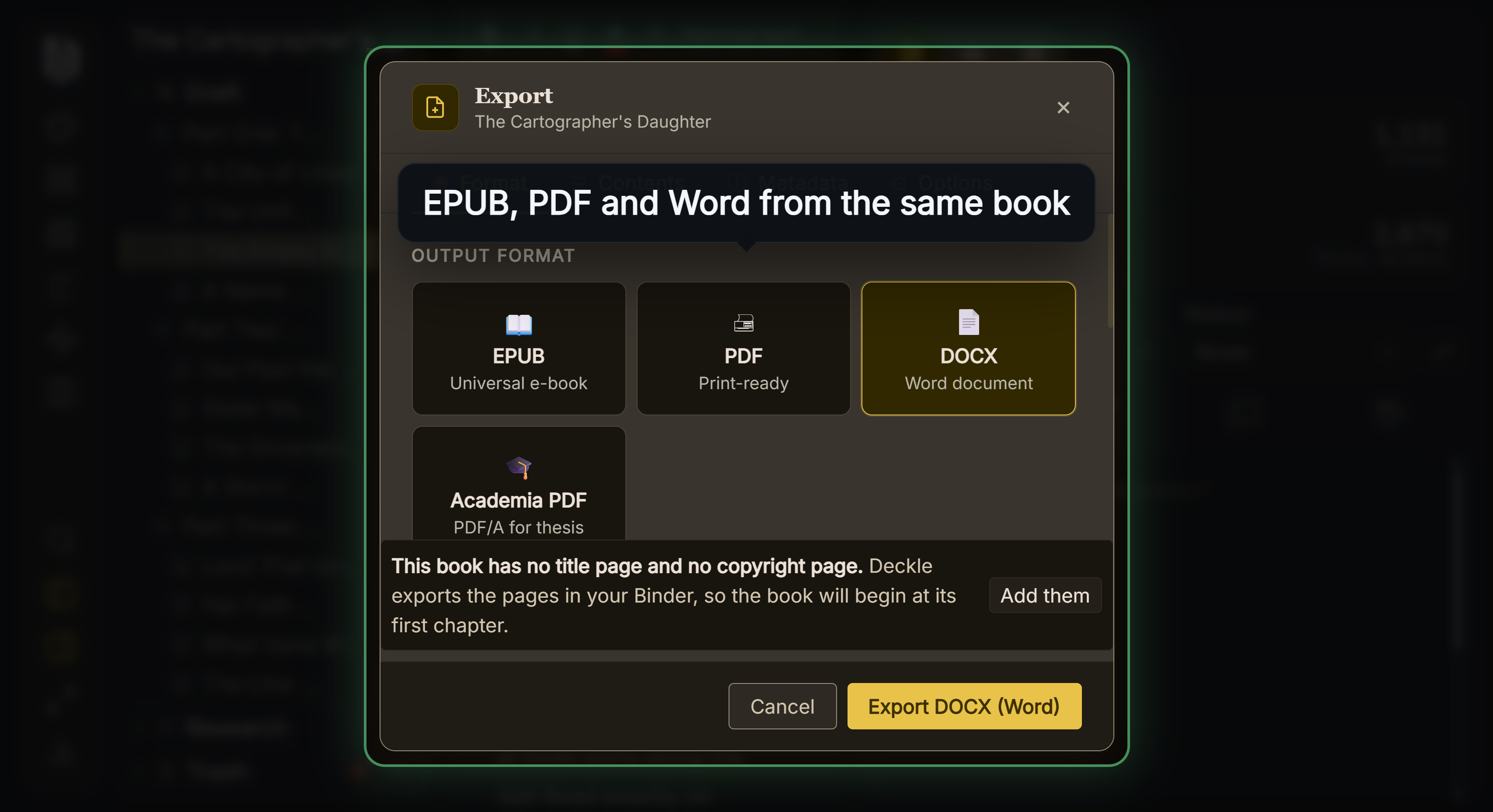 Every format from one manuscript
AZW3 is also not a separate format from MOBI. It is Amazon's file extension for the KF8-era version of the same Mobipocket container.
What AZW3 Actually Is
The Library of Congress traces it in one sentence: "In 2016, Amazon registered application/vnd.amazon.mobi8-ebook with IANA for the version of MOBI for which it used the .azw3 extension."
Read the media type: mobi8. AZW3 is MOBI version 8 with a different extension, not a new lineage.
The same source explains where KF8 came from:
"KindleGen 2 was introduced in late 2011 and still used the .mobi extension for files it created even though the files incorporate both a Mobipocket version, sometimes called KF7, and a new Kindle Format 8 (KF8) format inside the same file. Amazon has not provided full documentation for this updated binary format."
"KF8, introduced with the Kindle Fire reader in 2011, uses an updated source format, taking advantage of HTML 5 and EPUB 3."
So a single .mobi file could contain two renderings, an old KF7 one and a newer KF8 one, and .azw3 is the extension for the KF8-era variant. The Kindle Publishing Guidelines confirm the two targets still exist internally, using CSS media types @media amzn-kf8 and @media amzn-mobi, and noting that "Dictionaries for Kindle must be in Mobi 7 format, not in KF8."
Two Things Everyone Says That Are Not Sourced
"KFX is the current Kindle format." I searched the full text of the Kindle Publishing Guidelines, version 2026.2. "KFX" appears zero times. So does "AZW" and "AZW3". "KF8" appears 34 times and "Enhanced Typesetting" 64 times.
Amazon's own vocabulary is a two-way split, stated in its help pages: "If a conversion format does not support Enhanced Typesetting, customers receive a KF8 version of the eBook." So the terms Amazon uses are Enhanced Typesetting version and KF8 version. KFX is a name from reverse-engineering communities, not from Amazon.
"There's a Library of Congress entry for AZW3." There is not. Checking their full alphabetical format list returns no entry for AZW, AZW3 or KF8. The only file in this lineage with a format description is MOBI.
Should You Ever Make One
No, and you cannot easily anyway. Every tool Amazon provided for building these formats has been withdrawn. The Kindle Publishing Guidelines' revision history records the removal of KindleGen, Kindle Comic Creator and Kindle Kids' Book Creator, and Kindle Previewer no longer opens the formats at all.
Amazon's own warning about the alternative is direct: "Files created with third-party software may not work properly on current or future Kindle devices and applications."
There is one legitimate reason a reader might hold an AZW3: it is what a Kindle produced or received. That is Amazon's business, not the author's.
What You Supply Instead
EPUB. Amazon compiles it: "Kindle processes both EPUB and MOBI files the same way, and the customer receives a file based on the capabilities of the device they are reading on." The Guidelines describe the step as "Kindle Previewer compiles the EPUB file", which is the clearest statement that EPUB is a source format rather than a delivery one.
The practical consequence: you cannot control what the reader's device receives, and you should not try. Your job is a clean, valid EPUB. Amazon's job is the device build. Attempts to hand-tune a proprietary container skip the only part of the pipeline you actually control.
For the retired format and its dates, see EPUB vs MOBI.
What Deckle Exports
Deckle exports EPUB only. There is no AZW3 or MOBI export, and on the evidence above there is no reason for one.
The EPUB export offers a Kindle target alongside Generic, Apple and Kobo. What that target changes is small and specific: it adds the legacy OPF2 <meta name="cover"> element that Amazon's conversion and Send to Kindle need in order to show a cover thumbnail in the library. Everything else is the same standards-compliant file.
That is the right shape for this. Target the platform's documented expectations inside a standard format, rather than trying to produce the platform's undocumented internal one.
For what the container needs generally, see how to make an EPUB file and common EPUB validation errors.
Common Mistakes
- Treating AZW3 as a separate format from MOBI. Its media type is literally
mobi8-ebook. - Calling KFX the current Kindle format. The word appears nowhere in Amazon's Publishing Guidelines.
- Trying to generate AZW3 yourself. The tools are deprecated and Amazon warns against third-party ones.
- Converting an EPUB to AZW3 before uploading. You are undoing the step Amazon wants to perform.
- Assuming the reader gets your file. They get Amazon's build of it.
FAQ
Is AZW3 the same as KF8?
Effectively. AZW3 is the extension Amazon registered for the KF8-era MOBI container.
Should I upload AZW3 to KDP?
No. Upload EPUB. MOBI-family uploads ended in 2021 and 2025.
What is KFX then?
A name used outside Amazon. Amazon's documentation says "Enhanced Typesetting version" and "KF8 version".
Why do I have AZW3 files on my Kindle?
Because that is what the device received. It is a delivery artifact, not an authoring format.
Does any of this affect how my book looks?
Yes, but through your EPUB's markup and CSS, which is what Amazon compiles from.