

Rather than leaving you to guess what changed, Deckle shows a short summary of new features and fixes the first time you open it after an update you haven't seen the notes for yet.
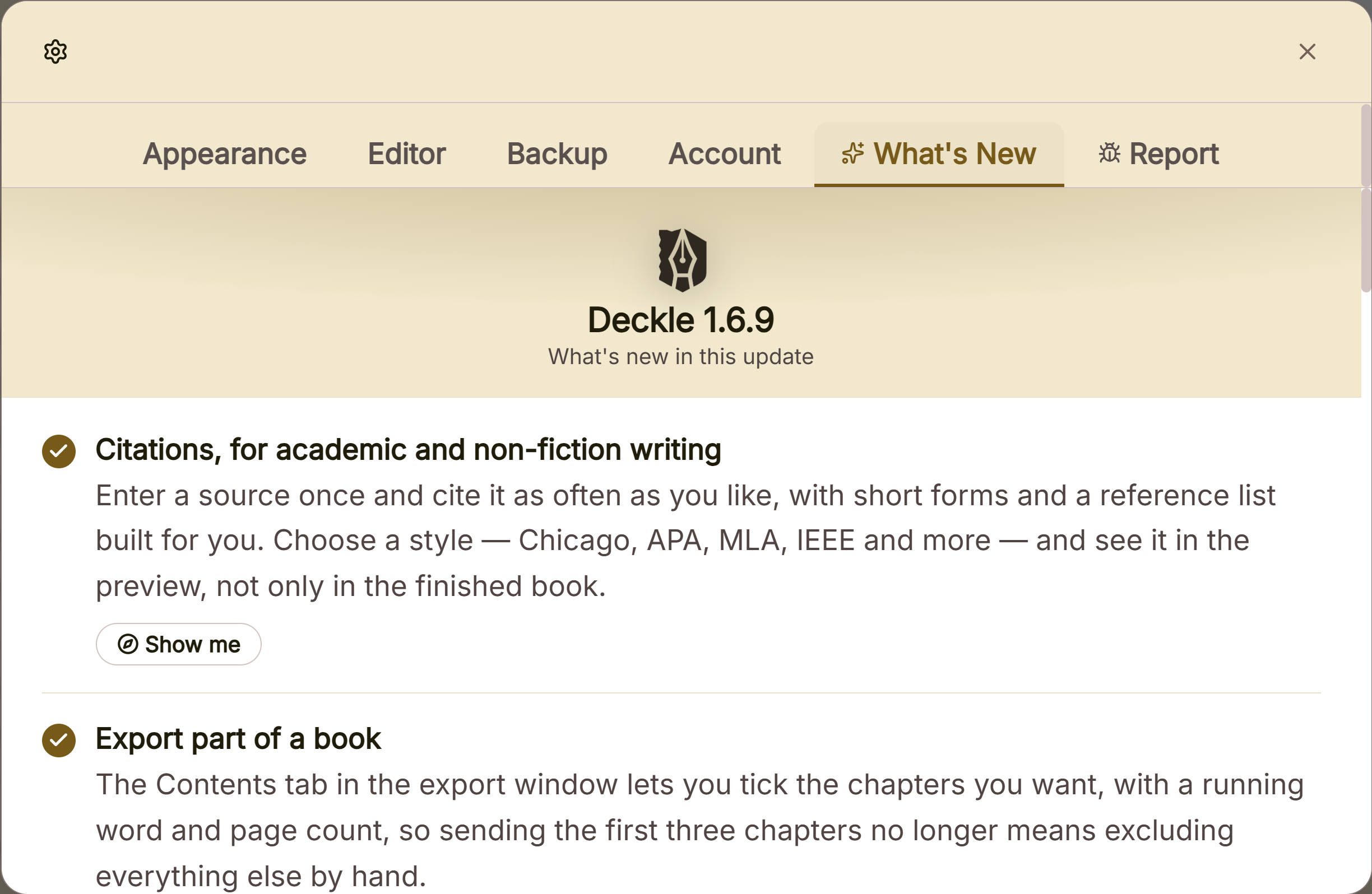 What's new list of recent versions
What You Can Do
- See a summary of what's new the first time you launch Deckle after a release you haven't seen.
- Revisit the full changelog any time from Settings, even after you've dismissed it.
How It Works
The newest release is shown expanded, with a short title and description for each change; older releases are listed below as collapsible entries you can expand if you want the fuller history. Dismiss it with Got it, the close button, or by clicking outside it. However you close it, it won't show up again automatically until the next release adds something new.
To look it up again later, open Settings → What's New: the exact same content, always available, whether or not you've already dismissed the automatic popup.
A Couple of Things Worth Knowing
💡 It's not directly tied to the update-install process itself. It shows based on whether you've seen the notes for the current version yet, checked each time you open the app, not specifically right after an update finishes installing.
💡 There's no separate "don't show again" option. Dismissing it once is what marks that version's notes as seen.
FAQ
I dismissed the What's New popup. Where can I find it again?
Settings → What's New shows the exact same content any time.
Does the What's New popup show every time I open Deckle?
No. Only the first time after a release with notes you haven't seen yet. Once dismissed, it won't reappear until the next update adds something new.