

Activating Deckle takes one license key and an internet connection for a moment. After that, it works completely offline, and you're free to move it to a different computer whenever you need to.
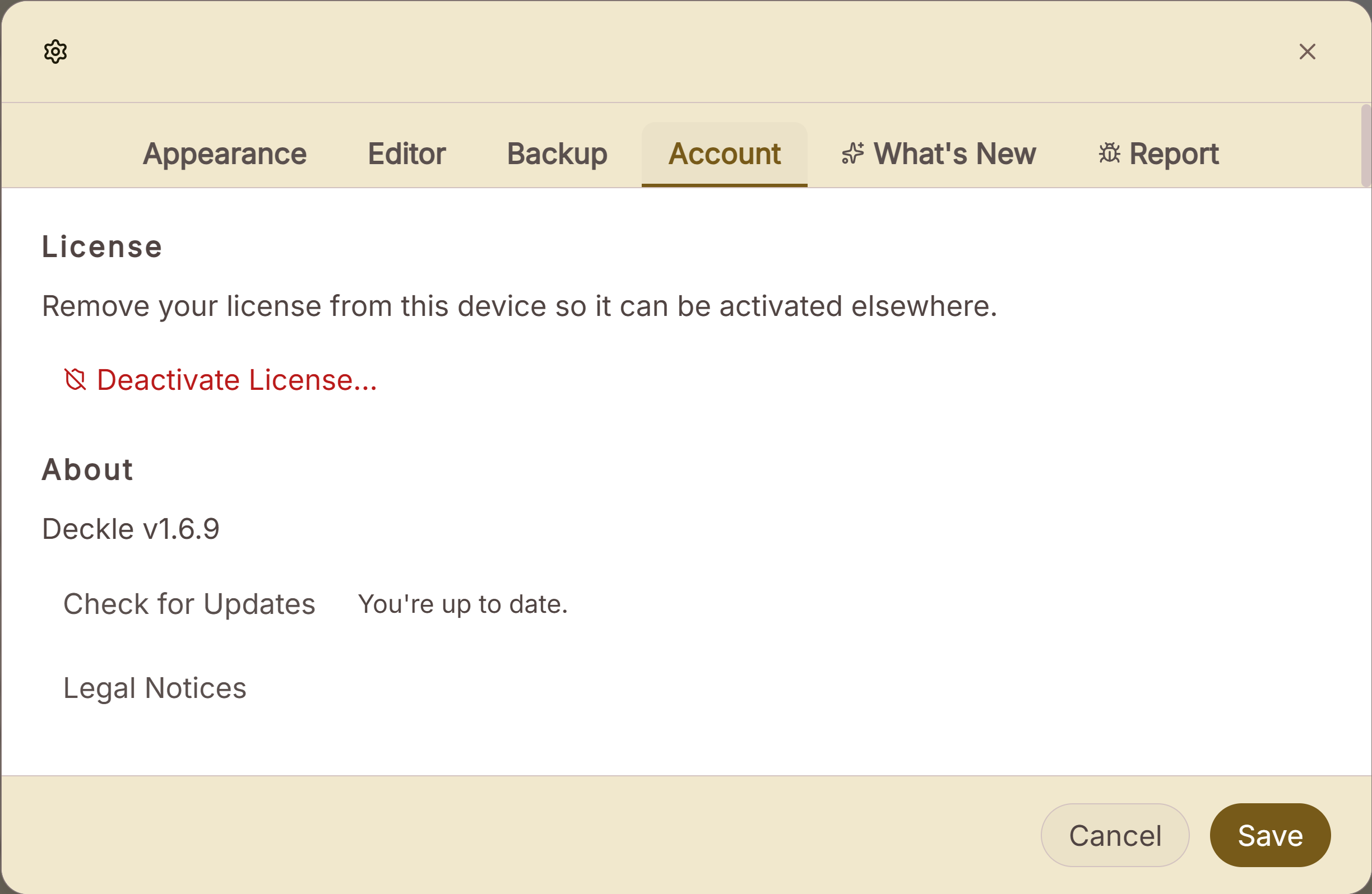 Account tab where a licence key is entered
What You Can Do
- Activate Deckle by entering your license key.
- Use Deckle fully offline once it's activated. No repeated internet check is needed to keep writing.
- Deactivate your license on one computer to free it up for use on another.
How to Activate
- On first launch (or if your license is ever removed from this device), Deckle shows an activation screen.
- Enter your license key in the format
XXXX-XXXX-XXXX-XXXX. - Click to activate. This requires an internet connection for the one-time check.
- Once activated, you're taken straight into the app.
Don't have a license yet? The activation screen links directly to deckle.studio to purchase one.
Moving to a New Computer
- On your old computer, open Settings → Account and click Deactivate License…, then confirm.
- On your new computer, launch Deckle and enter the same license key on the activation screen.
A Couple of Things Worth Knowing
💡 Deactivating always works locally, even without an internet connection. If the deactivation request can't reach the server, Deckle still removes the license from your device immediately, so you're never stuck unable to deactivate.
💡 Once activated, Deckle doesn't need to reconnect to keep working. You can write entirely offline for as long as you like on an already-activated device.
💡 A license key works on a limited number of devices at once. If you try to activate on one too many, you'll see a message telling you the activation limit has been reached. Deactivate it on a device you're no longer using first.
FAQ
Do I need an internet connection to keep using Deckle after I've activated it?
No. Activation itself needs a connection, but writing afterward works fully offline.
What happens if I enter an invalid license key?
You'll see a message telling you the key is invalid. Double-check it against your purchase confirmation and try again.
Can I use one license on more than one computer?
Up to a limited number of devices at a time. If you've reached that limit, deactivate the license on a device you're no longer using before activating it on a new one.
I don't have a license yet. Where do I get one?
The activation screen links directly to deckle.studio to purchase one.