

Most writing apps that show a "preview" are really showing you a stylized approximation. Deckle's device preview (see checking your book across devices for a full workflow) renders through the same engines that produce your actual exported files. The Kindle, iPhone, and iPad views are built from the real EPUB output, and the Print view is the real PDF engine, so what you see is what you'll actually get, not a guess.
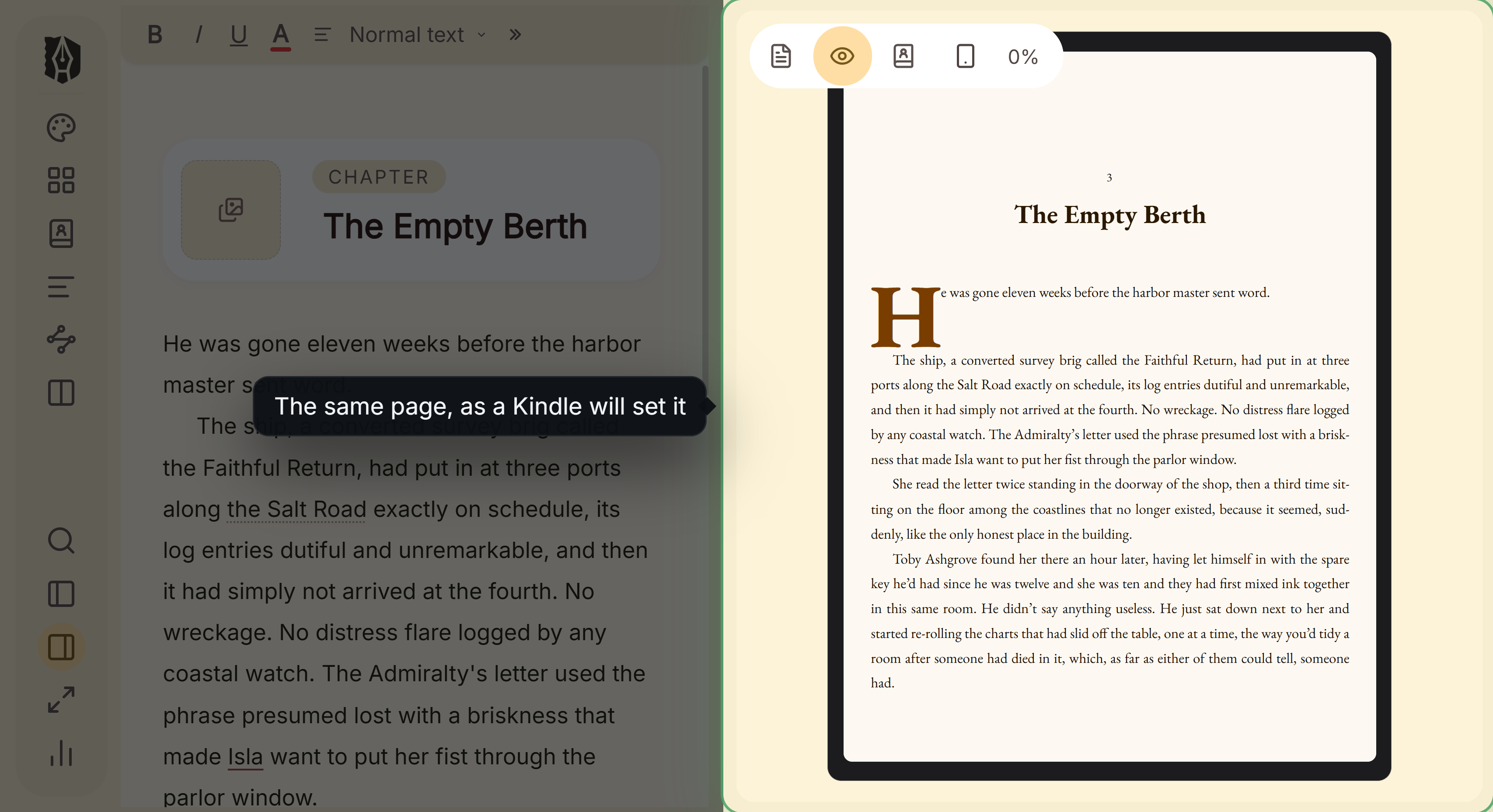 Editor and Kindle preview side by side
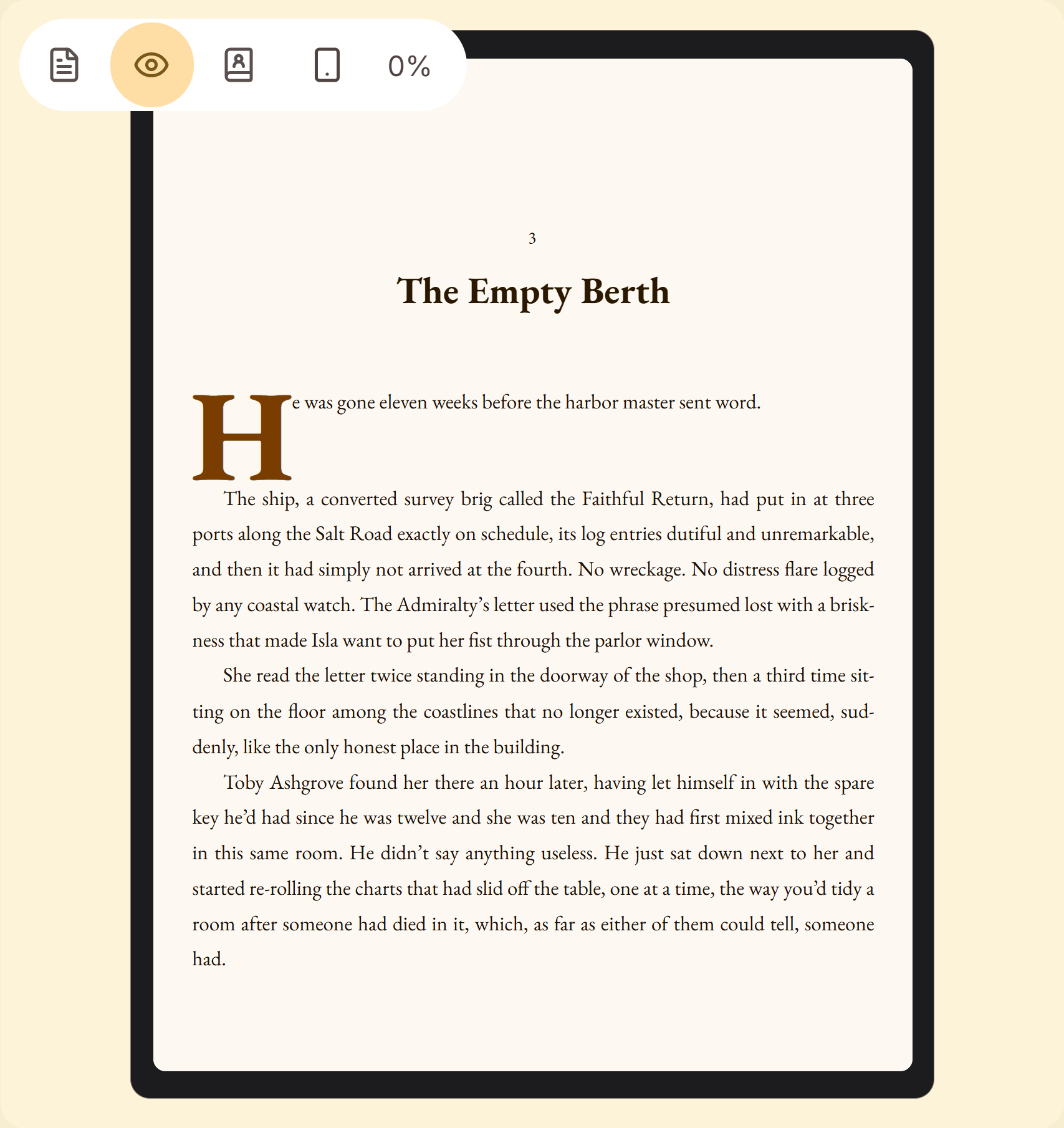 Kindle page close up with drop cap
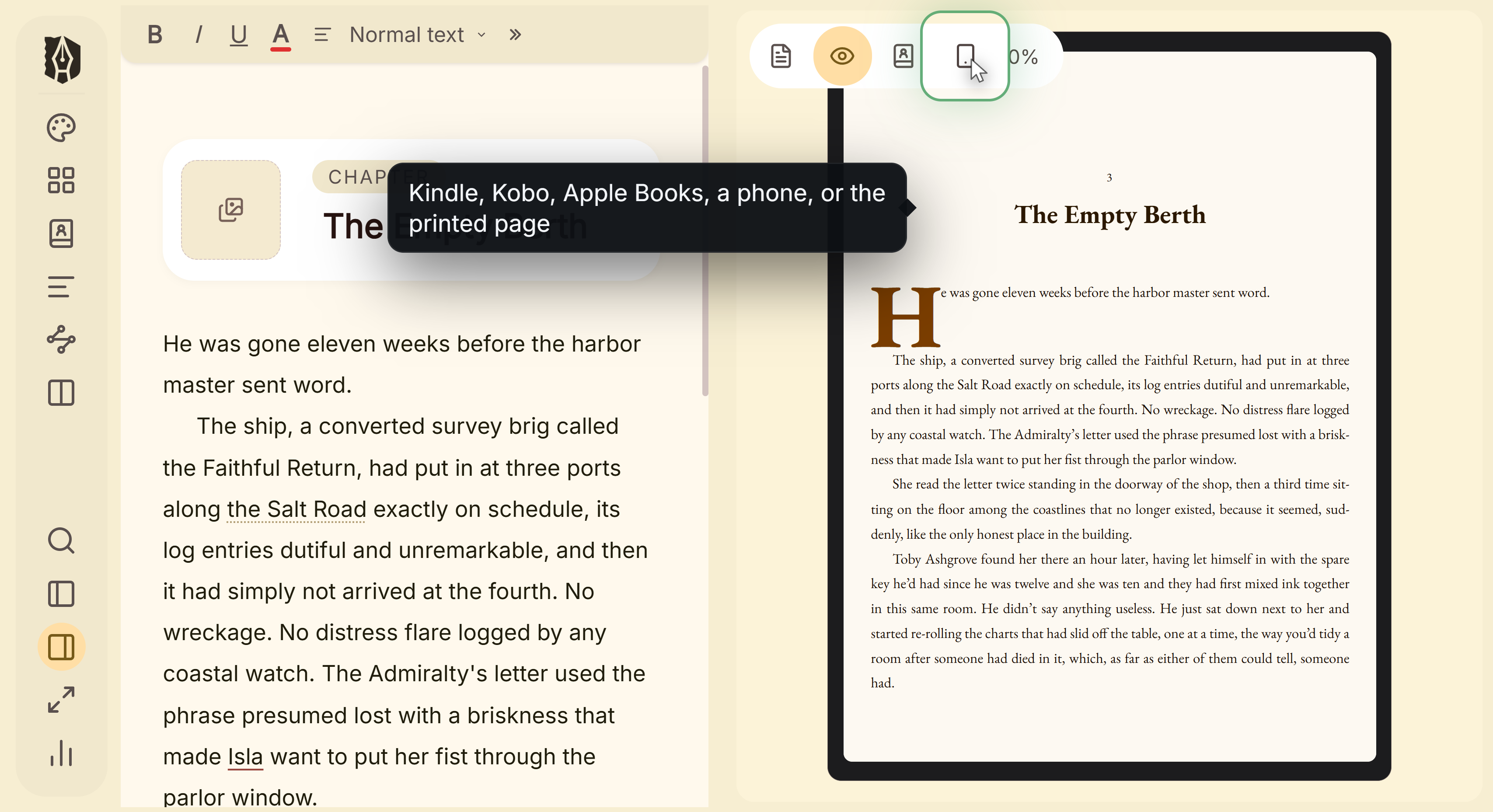 Device menu for Kindle, Kobo, Apple Books and print
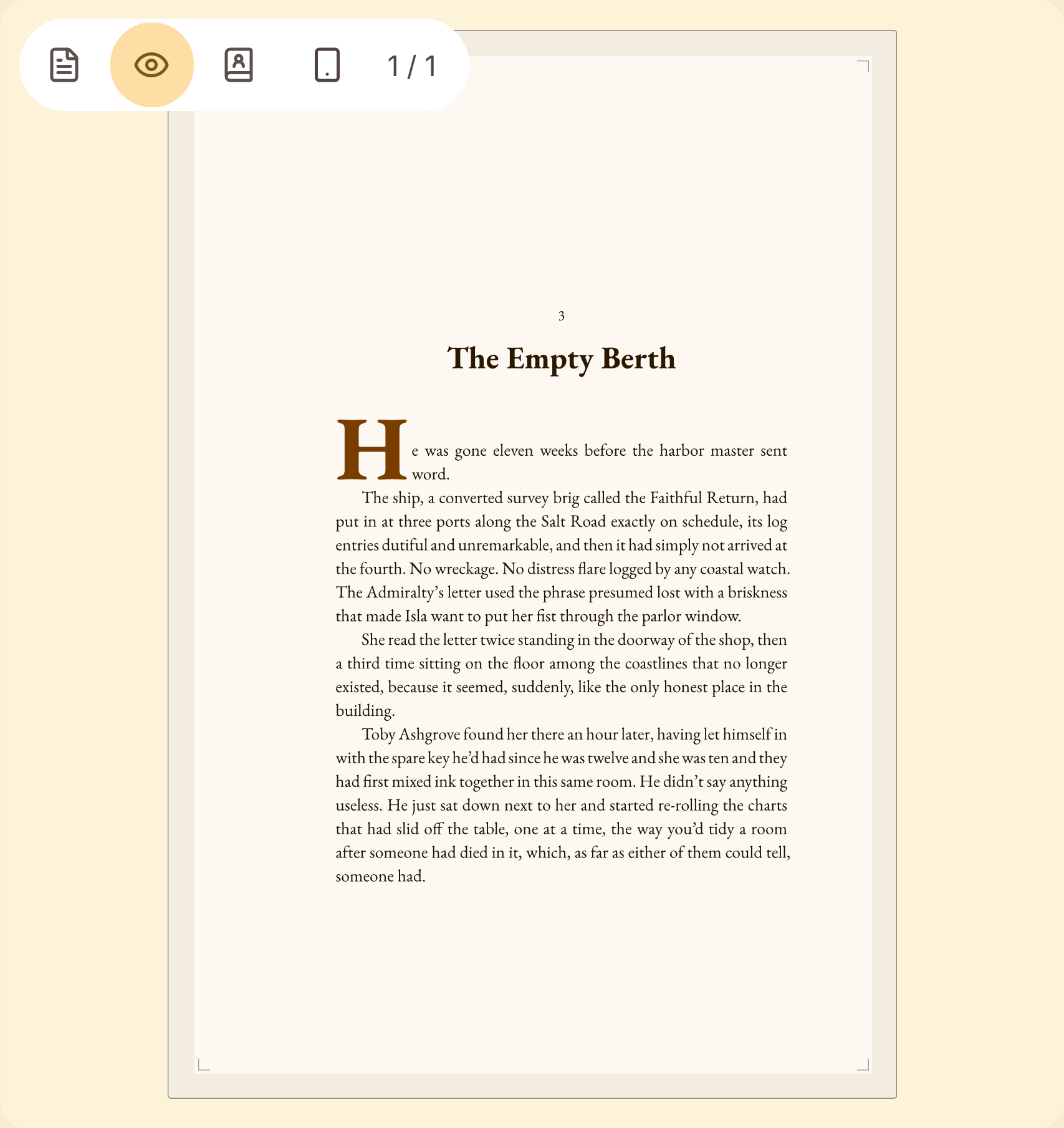 Print preview at trim size with margins and folio
What You Can Do
- See the chapter you're editing rendered live inside a Kindle, iPhone, iPad, or Print frame.
- Watch it update automatically as you type, or as you adjust a style setting.
- Page through the current document exactly as a reader would, with real pagination.
- Switch devices instantly to compare how the same chapter reads across formats.
How to Open the Preview
- Open the Inspector panel and click Preview in the segmented control at the top (next to Properties).
- Click the device icon to choose Kindle, iPhone, iPad, or Print.
- Use the arrow buttons to page through the current document, or the page counter to see where you are.
How Accurate Is It?
This isn't a simplified mockup. Kindle, iPhone, and iPad previews are generated from Deckle's real EPUB rendering engine, with your document's actual content laid out and paginated using the same column-based reflow a real e-reader uses. Print preview goes through Deckle's real PDF engine (the same one that produces your exported PDF), rendered as sharp vector pages rather than a rasterized approximation. Both reflect your current Styles settings (fonts, trim size, margins, spacing) exactly as configured.
A Couple of Things Worth Knowing
💡 It previews the document you're currently editing, not your whole manuscript at once. Switch documents in the Binder and the preview follows automatically.
💡 It doesn't update on every keystroke. Typing waits for a brief pause (about a second and a half) before re-rendering, so it's not recompiling on every letter. A style-panel change updates faster, since that's a more deliberate edit.
💡 Because each document previews in isolation, cross-document links won't resolve inside the preview the way they will in a full export. That's expected, not a bug, since the preview isn't assembling your whole book each time.
FAQ
Is the preview an approximation, or does it show exactly what I'll get?
It's generated by Deckle's real EPUB and PDF engines, not a separate simplified renderer. The same code that produces your actual exported files also produces what you see in the preview.
Does the preview update immediately as I type?
It waits for a short pause in your typing before re-rendering, so it doesn't interrupt your writing by recompiling on every keystroke.
Can I preview my entire book at once, page by page across all chapters?
No, the device preview shows the document you currently have open. To check your whole manuscript, export it and open the actual file.
Why doesn't a link to another chapter work inside the preview?
The preview renders one document at a time in isolation, so it has no other documents to link to yet. This resolves correctly in a real export, which assembles the whole book.