

EPUB is the format for ebooks, PDF is the format for print and for anything where the page must stay fixed, and DOCX is a working format for writing and editing rather than a delivery format. Most books need at least two of the three, and using the wrong one is the commonest avoidable mistake in self-publishing.
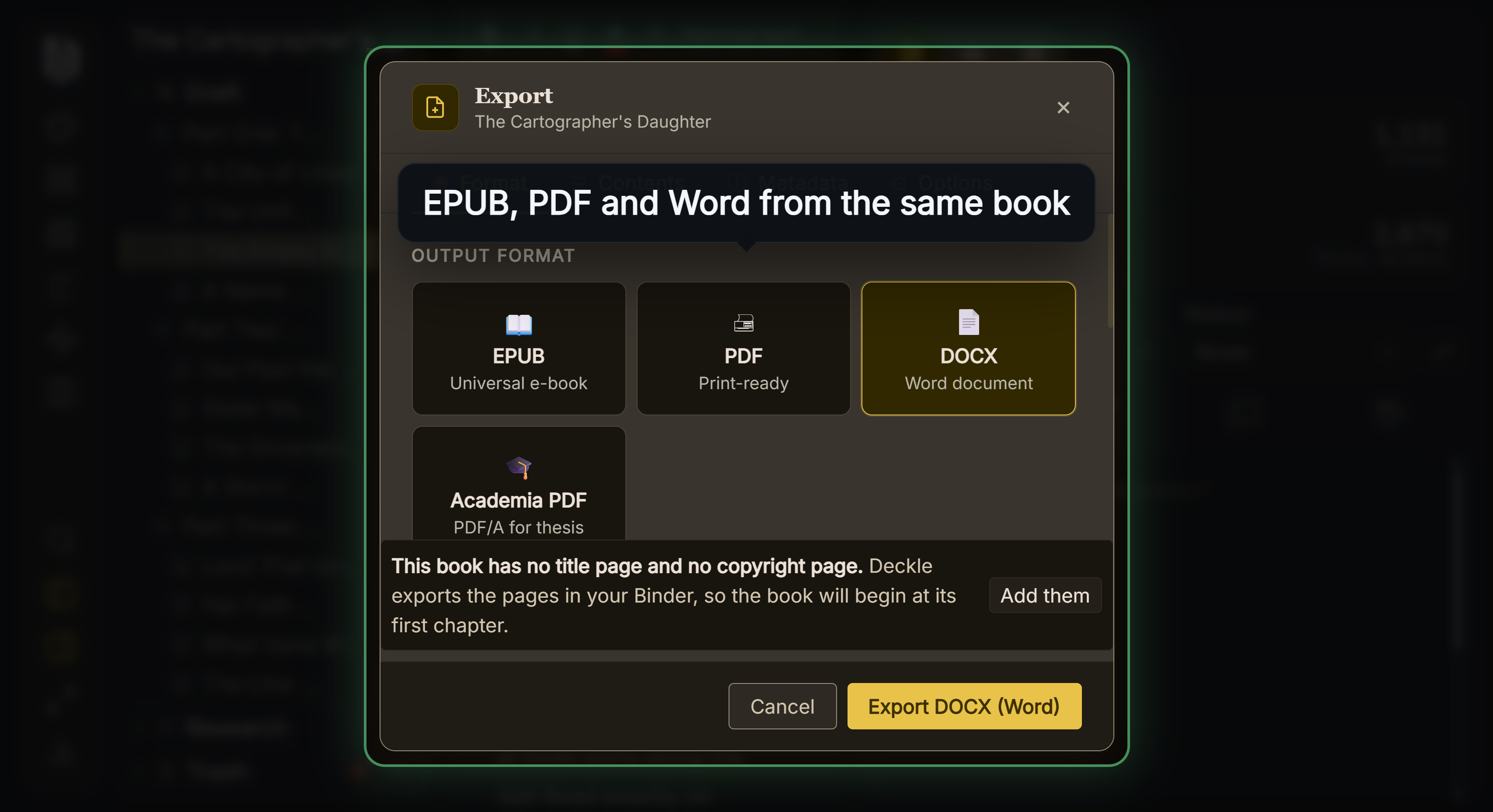 Every format from one manuscript
What Each One Actually Is
EPUB is a ZIP archive containing web content. The specification describes it as "a distribution and interchange format for digital publications and documents" that packages "HTML, CSS, SVG, and other resources… in a single-file container". Because the content is HTML, it reflows: the reading system repaginates to fit the screen and the reader's chosen font size.
PDF is a page description format. The Library of Congress describes it as representing "formatted, page-oriented documents", built on an imaging model derived from PostScript. A PDF page is a fixed arrangement of marks. It does not reflow, because reflowing is not something the format can express.
DOCX is a word processing format, an XML vocabulary in a ZIP package, standardised as ISO/IEC 29500. The Library of Congress notes where it belongs in the chain: it is used "for creating documents (initial state) and for editing and review (middle-state)", and adds that "documents that are formally published are often converted to a format that is designed for final publication and not for convenient editing."
That sentence is the whole argument. DOCX is where a book is written and edited. It is not where a book is delivered.
Which Retailer Takes What
| Format | Amazon KDP | Apple Books | Google Play | Kobo |
|---|---|---|---|---|
| EPUB | yes | yes, EPUB 3 only | yes, EPUB 3.3 preferred | yes |
| accepted, nine languages only | no | yes, alongside EPUB | reads it | |
| DOCX | accepted as a manuscript | no | no | no |
Two details behind that table. Amazon accepts DOCX and PDF as manuscript formats it will convert, which is not the same as them being good ebook formats. And Amazon restricts PDF uploads to nine named languages.
Apple is the strictest and the clearest: EPUB 3 only, and every file has to pass EPUBCheck. Kobo sits at the other end, accepting Word, ODT, EPUB and MOBI and converting them. Both are covered in Apple Books and Kobo file requirements.
Why PDF Makes a Poor Ebook
A PDF holds its page no matter what device opens it. On a phone that means pinching and scrolling to read a page laid out for A4 or 6 by 9 inches, because the text cannot rewrap to the screen.
The accessibility consequence is more serious, and a university press states it about its own products. The University of Chicago Press tells readers: "Regretfully, our PDF ebooks may not be compliant with current accessibility standards. Anyone requiring accessibility features in an ebook should acquire the EPUB format instead of the PDF format."
Where PDF is genuinely right: print files, proofs, anything where layout carries meaning, and formats where the page is the point. The two-way comparison is in PDF vs EPUB for self publishing. Princeton University Press offers it for readers who "prefer a fixed layout, particularly with textbooks, highly illustrated books, or titles with mathematical formulas".
So PDF for print, PDF for a fixed-layout reading edition if you have a reason, and EPUB for actual ebook retail.
Why DOCX Is Not a Delivery Format
DOCX carries a document's editing state: revision marks, comments, styles that behave differently between applications, and layout that shifts when fonts are missing. Two people opening the same DOCX can see different page counts.
It remains the right format for one thing in publishing: sending a manuscript to an agent, an editor or a proofreader, because that is exactly the middle state it is designed for. See what is standard manuscript format for the convention it should follow, and formatting a manuscript for literary agent submission for producing it.
Uploading a DOCX to a retailer means letting their converter make every typographic decision for you. It usually works. It is not how you would choose to ship a finished book.
What Deckle Exports
Deckle exports all three, and the split matches the reasoning above.
EPUB for ebook retail. It is reflowable, which is what a novel should be, and it is built to the specification rather than zipped from a folder, which is what most validation failures come from.
PDF for print. This is where the trim size, margins, bleed and typography settings apply, because they are properties of a fixed page.
DOCX for handoff, with a standard manuscript format option for agent submission and an InDesign-oriented variant for a typesetter.
The practical workflow for most authors: PDF to the printer, EPUB to the ebook stores, DOCX only when a human being needs to edit it.
Common Mistakes
- Uploading a print PDF as your ebook. It cannot reflow, and readers on phones will struggle.
- Uploading DOCX to a retailer. It works, but the converter makes every decision.
- Assuming one file serves everything. Print and ebook have different requirements.
- Sending EPUB to an editor. They need something they can mark up.
- Treating PDF as accessible. A publisher's own guidance points accessibility-needing readers at EPUB instead.
FAQ
Can I sell a PDF as an ebook?
On some platforms, yes. It is a poor reading experience on small screens and weaker on accessibility.
Do I need both EPUB and PDF?
If you are publishing in print and digital, yes. They serve different products.
Which format do agents want?
DOCX, almost always. It is the format they can comment on and edit.
Is EPUB 2 still acceptable?
Google accepts it, Apple does not. Only EPUB 3 is maintained, so target that.
What about MOBI?
Retired. Amazon stopped accepting MOBI for fixed-layout books in March 2025, and EPUB is the format to supply.