

Start every chapter on a new page, centre the heading, and apply a real Heading paragraph style rather than manually bolding a line of text. The paragraph underneath begins flush left with no indent. In a submitted manuscript the heading's appearance matters far less than its structure.
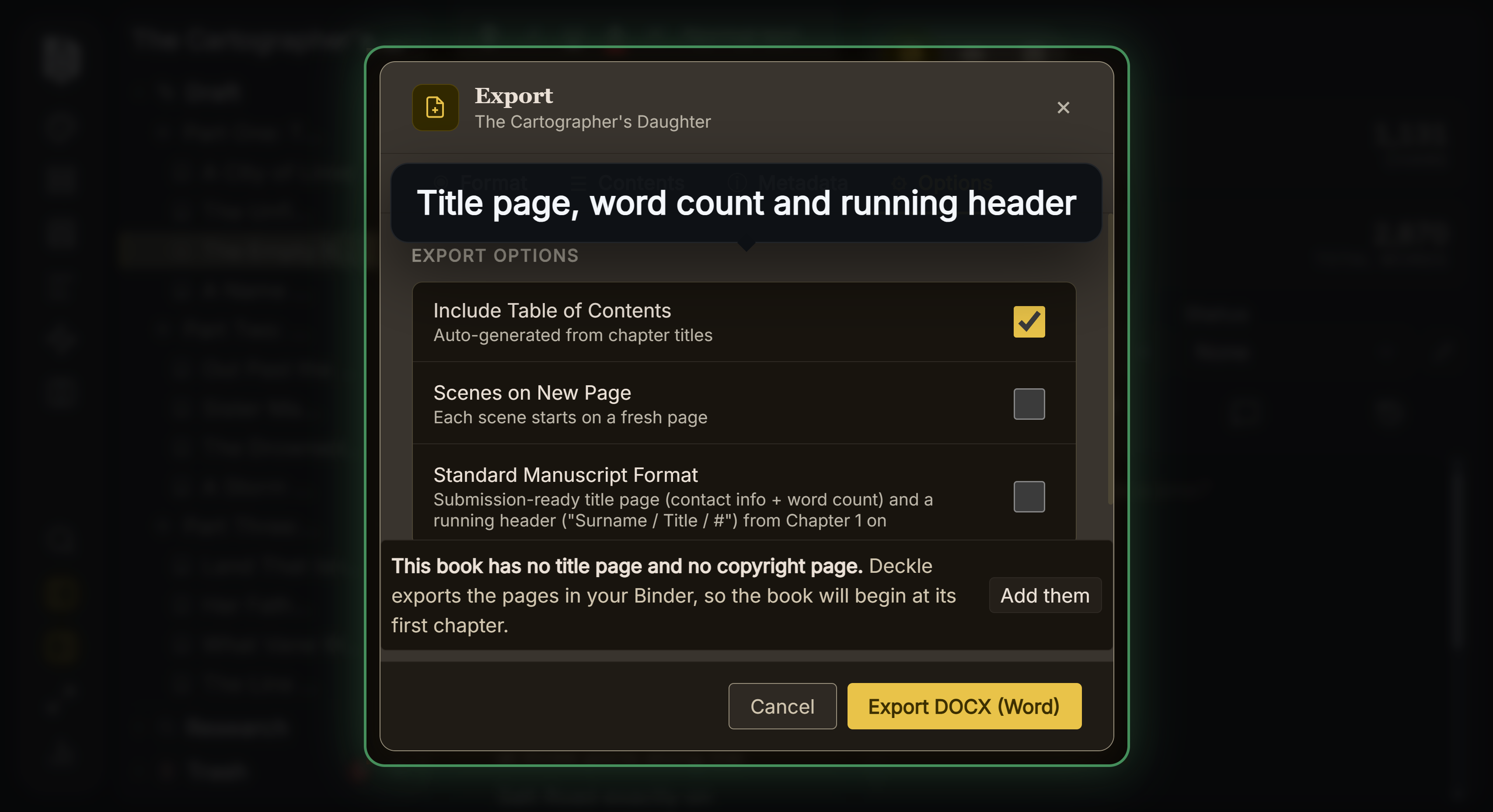 Standard Manuscript Format option
Start Each Chapter on a New Page
This is the one hard rule, and it is stated directly in the novel section of the manuscript format reference: a novel manuscript requires a separate title page, page numbering begins with 1 on the first page of actual text, and each chapter begins on its own page.
Make the break a real page break, inserted as a property of the heading paragraph or as an explicit page break character. Do not press Return until the text falls onto the next page. Padding with empty paragraphs works exactly once, and then breaks the moment anyone edits a word above it, leaving a chapter heading stranded in the middle of a page or a stack of blank lines at the top of one.
How far down the new page the heading sits is not specified anywhere authoritative. Sinking it by a few blank lines is common and harmless. Starting it at the top margin is equally acceptable.
Use a Style, Not Bold Text
This is the part most guidance skips, and it is what an editor actually notices.
A heading formatted by selecting text and clicking bold is, to the file, a body paragraph that happens to look different. A heading carrying a Heading 1 style is a structural object. The practical consequences:
- It appears in Word's navigation pane, so a reader can jump between chapters instead of scrolling.
- It generates a working table of contents automatically.
- A typesetter can restyle every chapter opening in the book in one action.
- Conversion to EPUB and print preserves the hierarchy, because the heading is marked as a heading rather than inferred from its size.
Direct formatting gives you none of that. It survives as an appearance and nothing else.
What the Heading Should Say
Whatever the book calls it. "Chapter One", "Chapter 1", "17", "The Drowned Meadow", or a chapter number with a title below it as a subheading. Numbers spelled out and numbers as digits are both entirely standard.
Consistency is the only requirement. If chapter one is titled and chapter nine is not, that reads as an oversight rather than a choice.
If your chapters carry both a number and a title, make the number the Heading 1 and the title a Heading 2, so the hierarchy is expressed rather than implied by size.
The Paragraph After the Heading
Flush left, no first line indent. The Chicago Manual of Style records the practice, noting that the first paragraph in a chapter normally begins flush left in works that otherwise indent, and calling it a convention more than a rule that most publishers follow regardless. The reasoning is the same one that applies after a scene break: an indent marks continuation, and there is nothing above to continue from.
Do not add a drop cap or small capitals to the opening line. Those are interior design decisions made at typesetting, and in a manuscript they are decoration an editor has to mentally strip out.
What Deckle Exports
On DOCX export with the Word variant, every chapter heading is emitted as a Heading1 paragraph: centred, bold, and carrying a real Word heading style rather than direct formatting, so the navigation pane and automatic contents both work. Each one is given a page break before it, so chapters always start on a new page. Subheadings within a chapter become Heading2.
The body paragraph immediately after a heading is given the First Paragraph style, which is the body style without the first line indent, applying the flush left rule automatically.
One divergence worth knowing. Deckle sets chapter headings at 16 point rather than keeping every line in the document at 12 point, which the strictest reading of the convention would do. No agent has ever rejected a manuscript for a slightly larger chapter heading, and the tradeoff buys you a properly structured document, but it is a difference rather than an exact match.
Note also that a chapter starting on a new page is a manuscript rule about any new page, not the recto rule used in printed books. That distinction only applies once the book is laid out for print, and Deckle applies it on the PDF side rather than the DOCX side.
For the wider convention, see what is standard manuscript format, and for the type settings, font and spacing for manuscript submission.
Common Mistakes
- Pressing Return until the text moves to the next page. Use a real page break. Empty paragraphs break on the next edit.
- Bolding text instead of applying a Heading style. The style is what makes the document navigable and convertible.
- Adding drop caps or small caps. Interior design, not manuscript formatting.
- Indenting the first paragraph. It starts flush left.
- Inconsistent chapter naming. Titled and untitled chapters in the same manuscript reads as an accident.
- Using a display typeface for headings. The whole manuscript should be one plain serif face.
FAQ
Should the heading be centred or left aligned?
Centred is conventional and expected. Left aligned is not an error, but there is no reason to choose it.
"Chapter One" or "Chapter 1"?
Either. Pick one and use it throughout.
Does each chapter need a title?
No. Numbers alone are entirely normal in fiction.
Does a chapter have to start on a right hand page?
Not in a manuscript. That is a printed interior convention applied at typesetting.
Can I make the heading bigger than the body text?
In strict terms the convention keeps everything at 12 point. Slightly larger headings are widely accepted and cause no problems in practice.