Reviewed by authors on YouTube and Substack One-time purchase, every update included Windows · Mac · Linux
Scrivener plus Vellum costs $309.98 and only formats on a Mac. Deckle does both jobs, on every platform, for $197 once.
The full app, with a guided tourNo account needed30-day money-back guarantee
Reviewed by authors on YouTube, Substack and their own blogs
01 Write
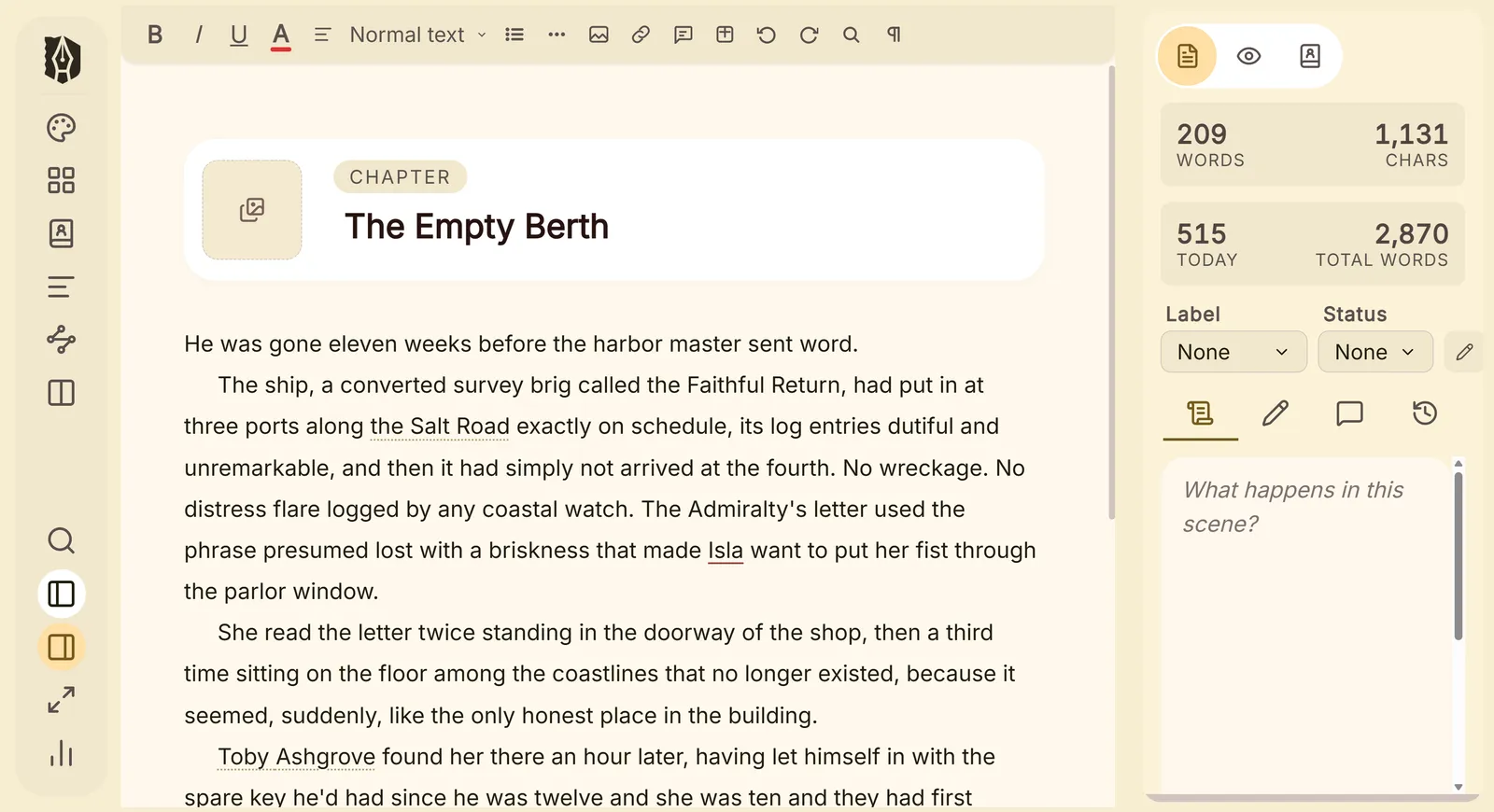
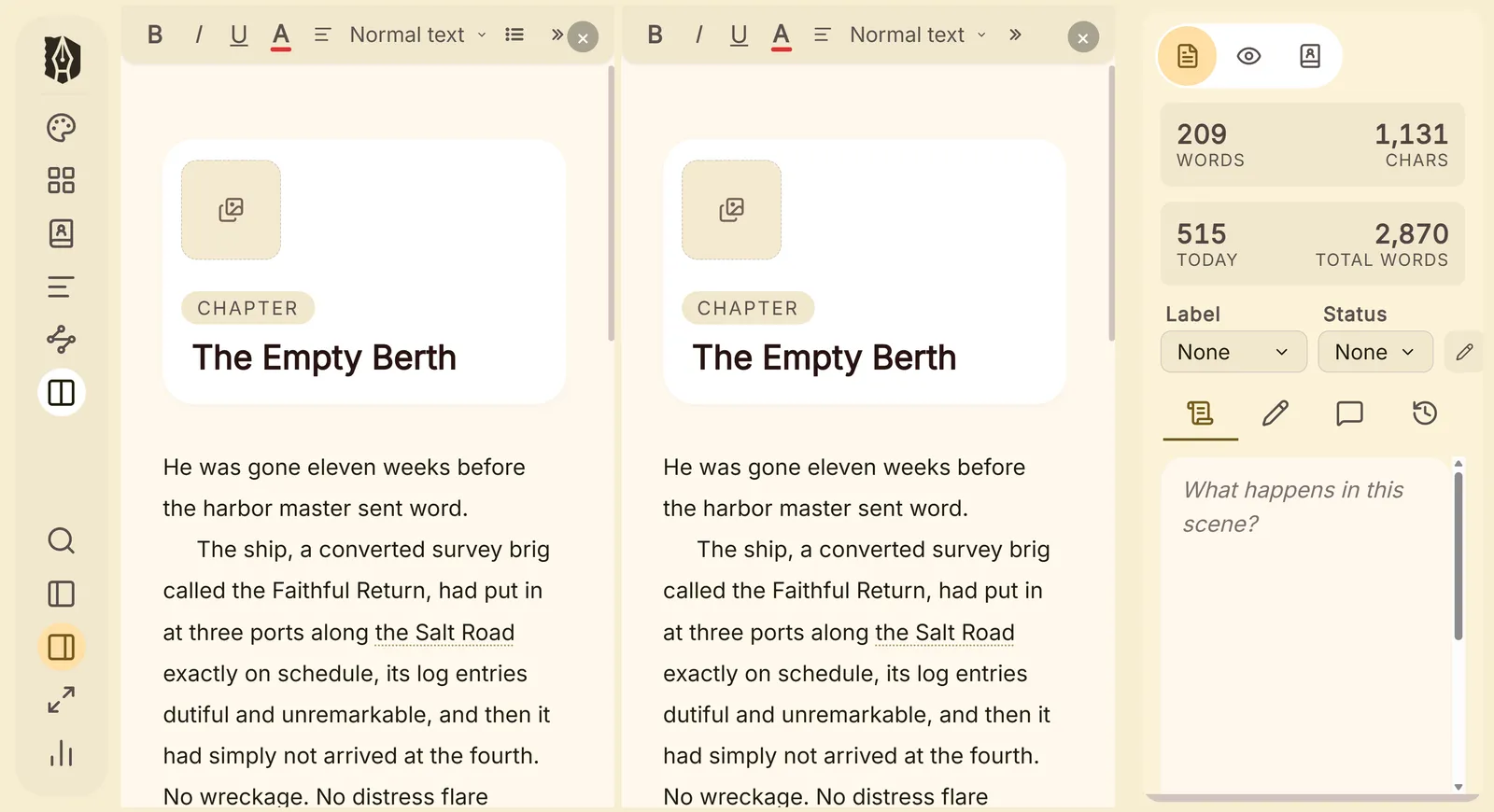
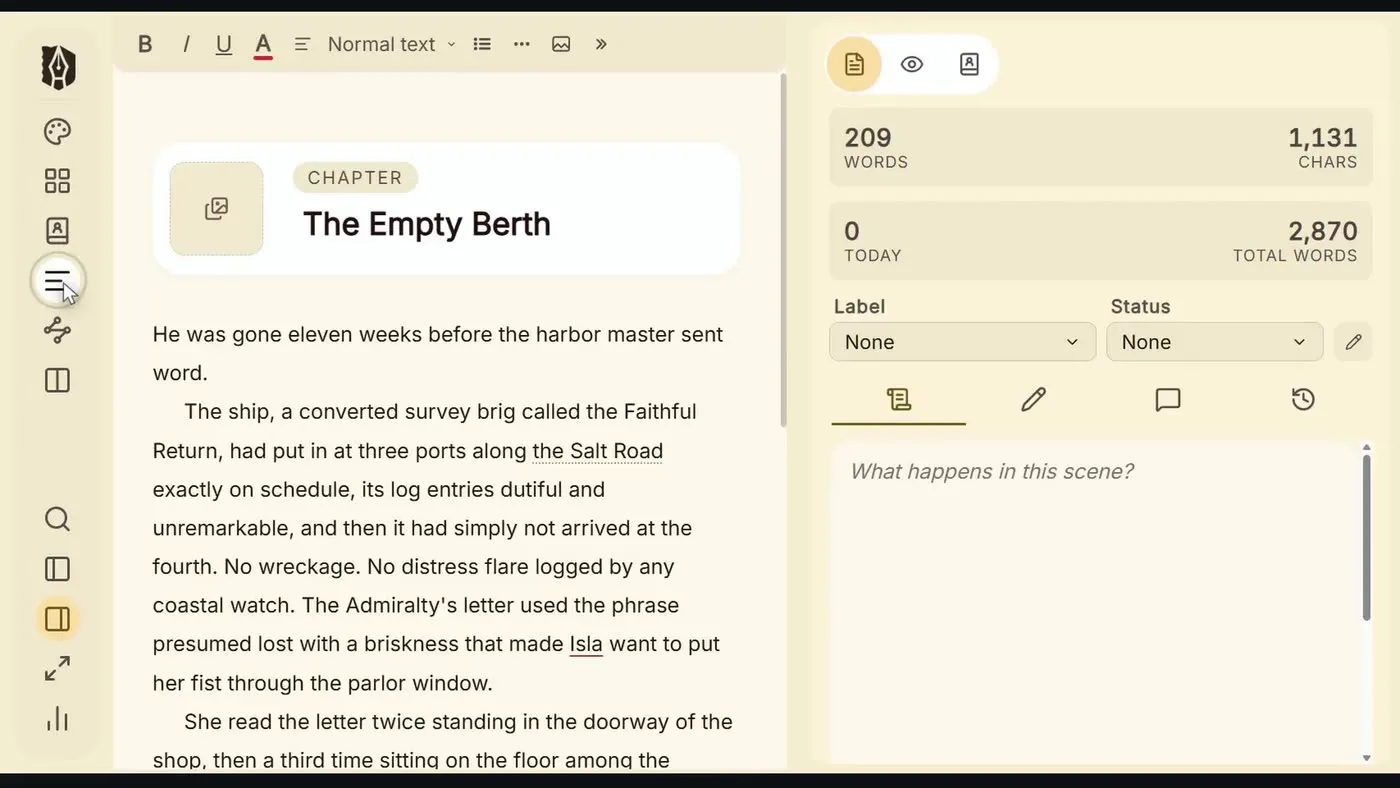
Every chapter and scene sits in the Binder, ready to drag into a new order.
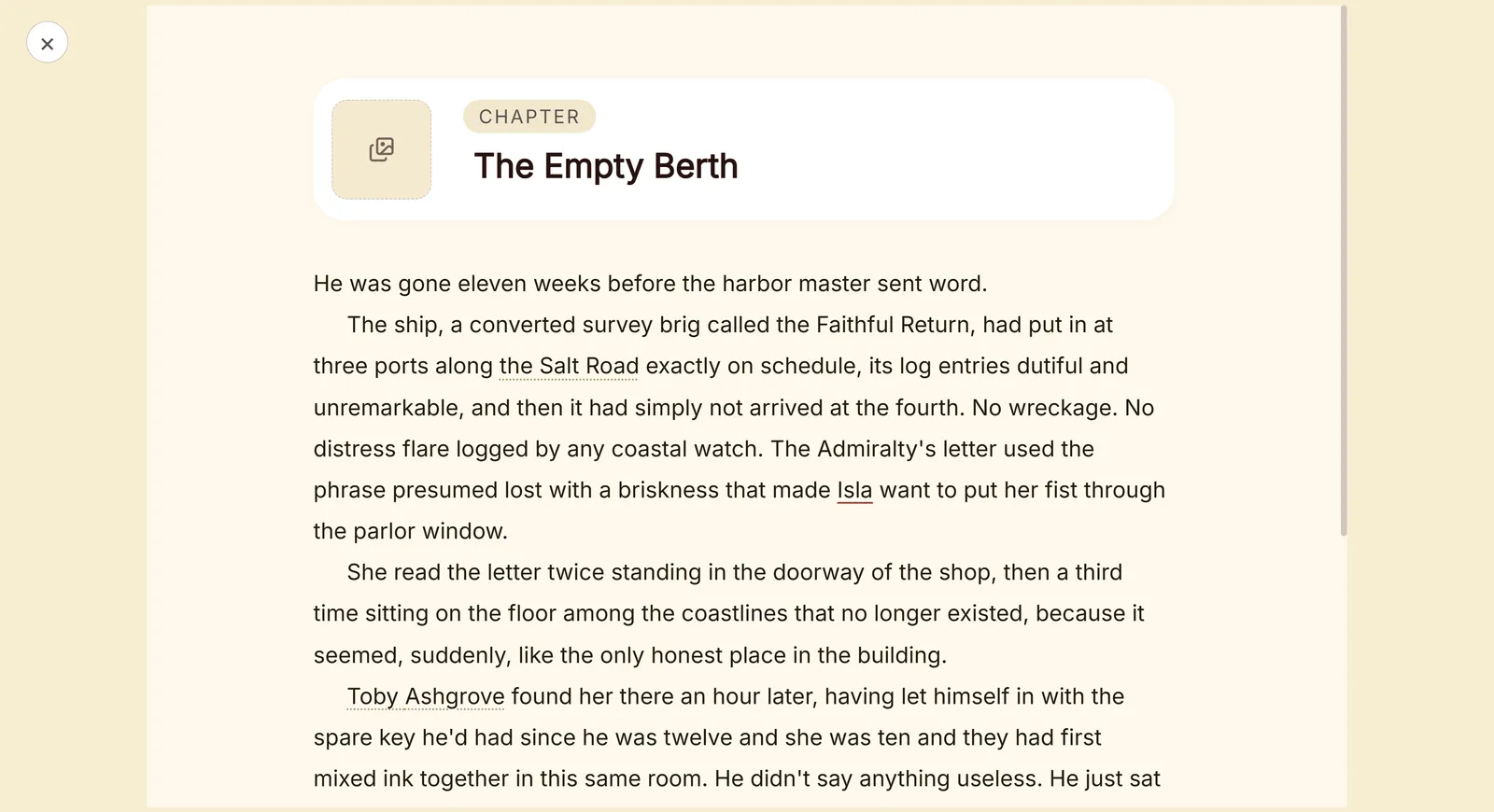
02 Build your world
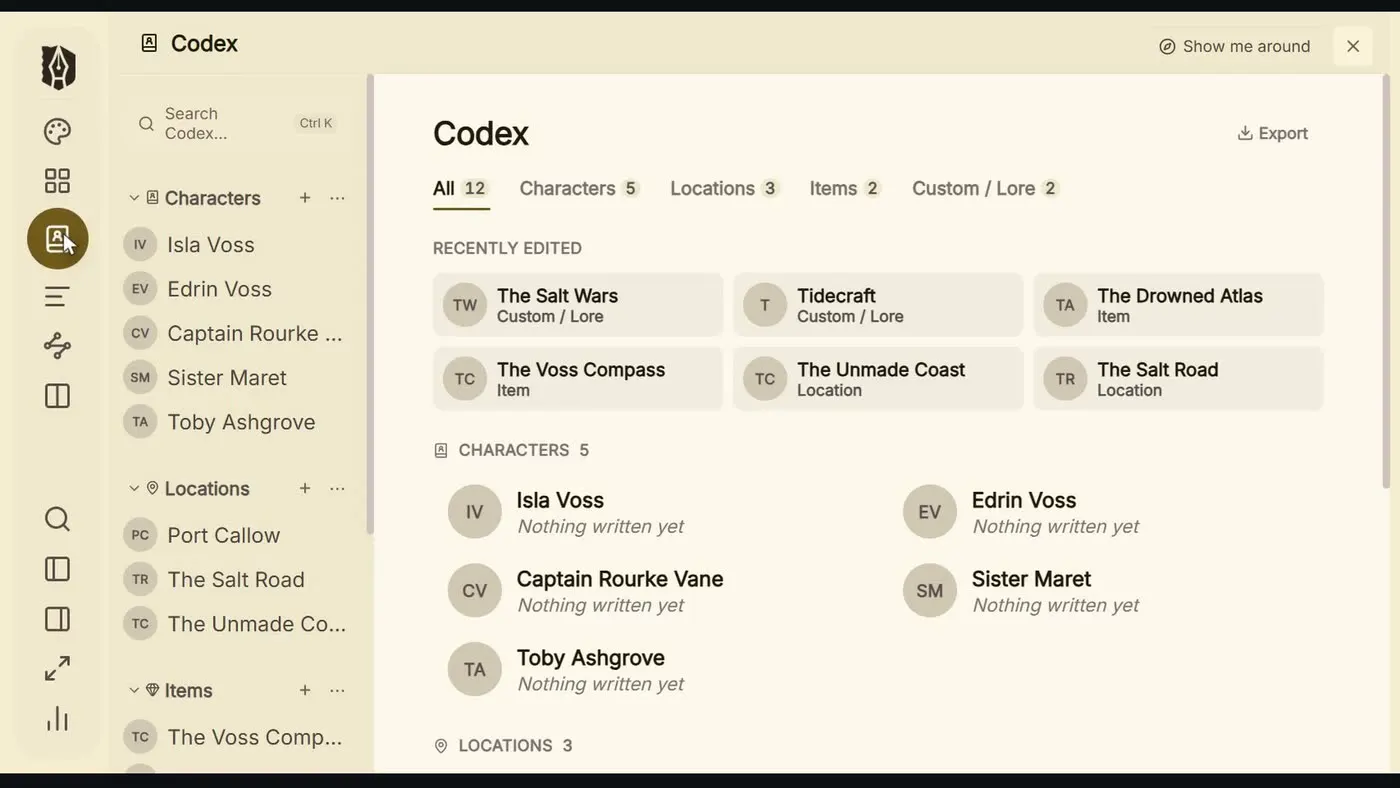
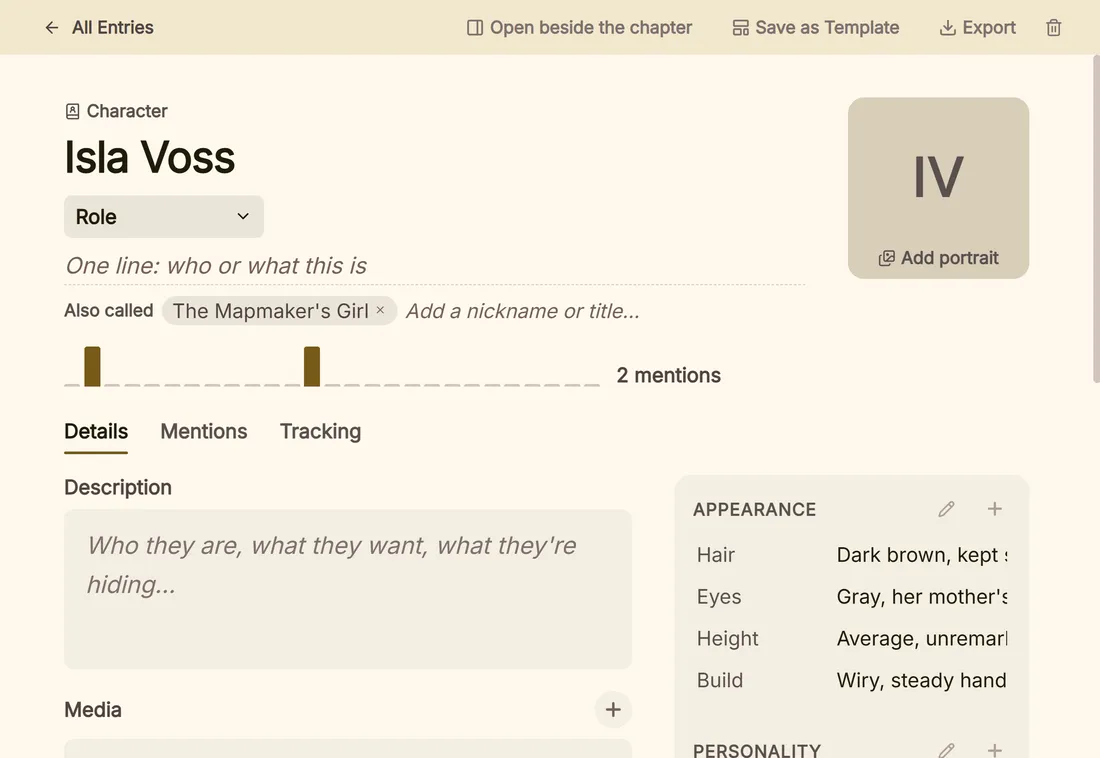
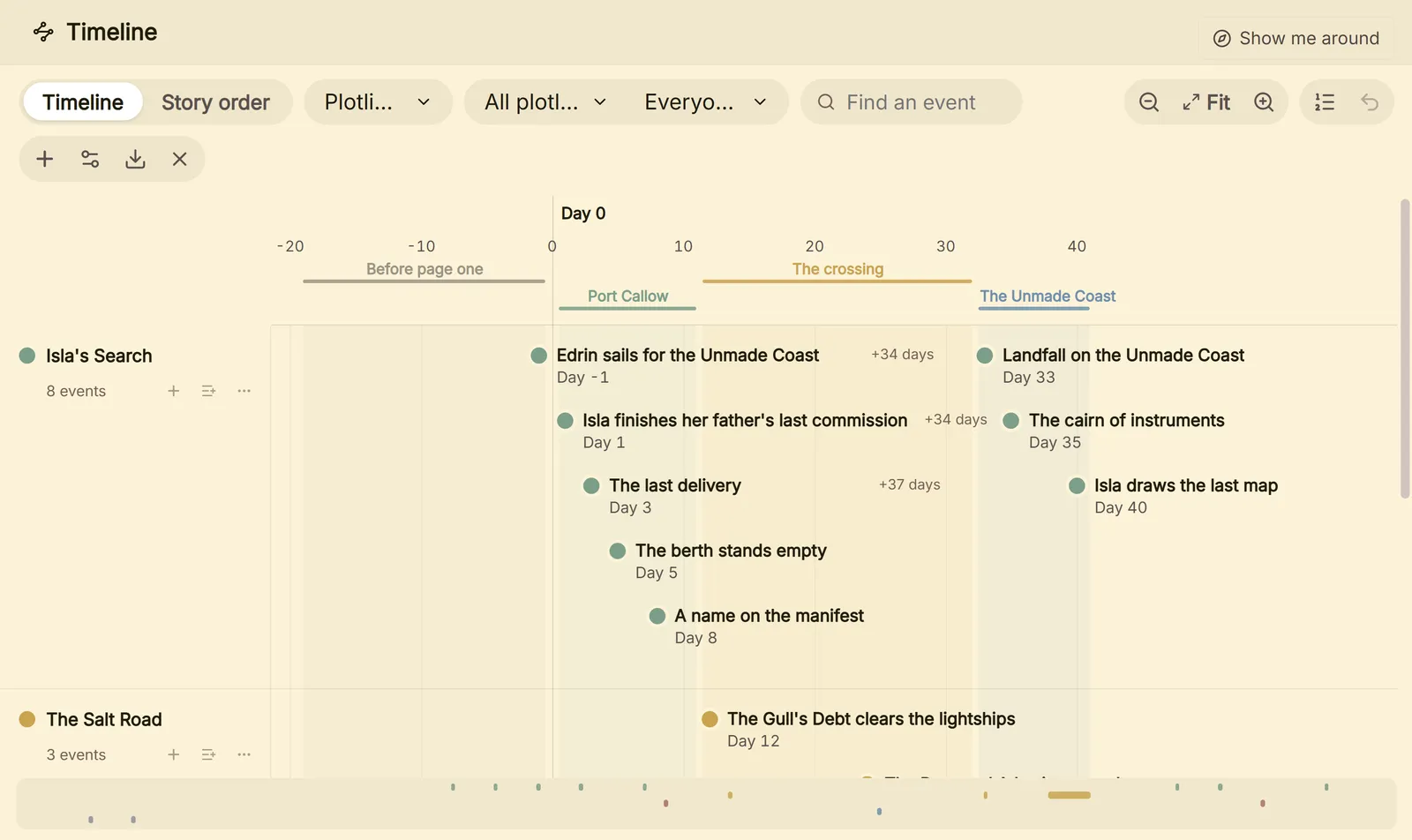
Also in the project: a Research folder for PDFs, images and web pages, and citations in Chicago, APA, MLA, IEEE and more.
03 Format
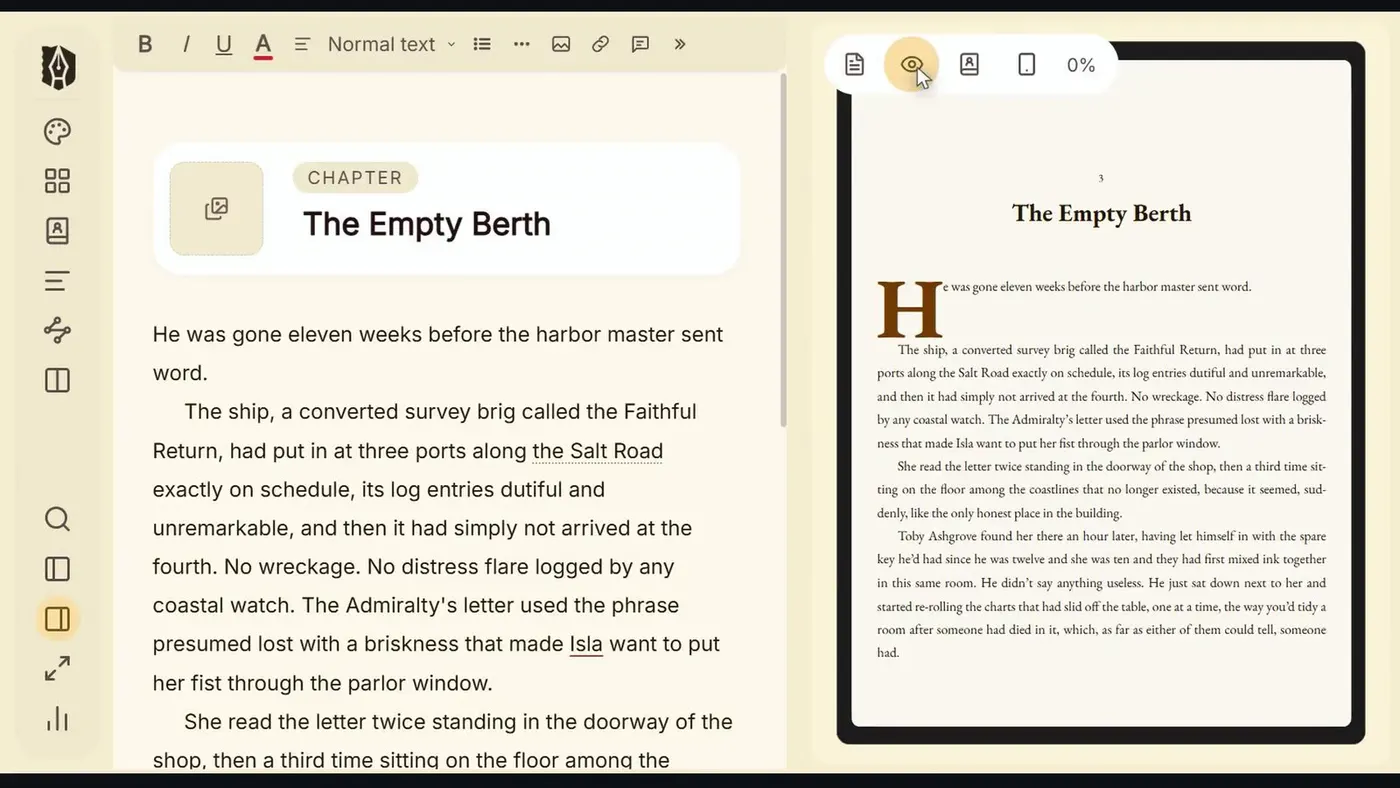
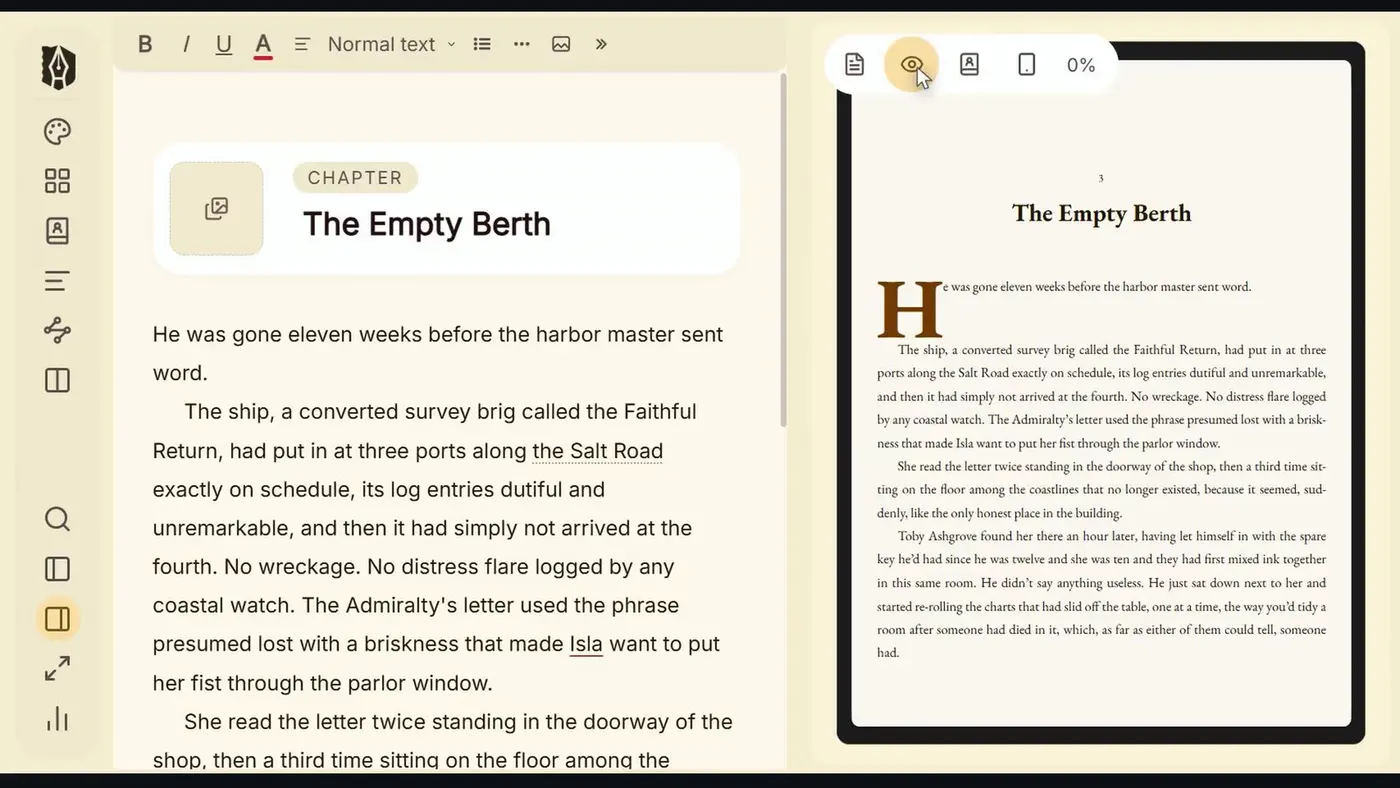
The page beside your draft is the real export, set the way Kindle, Apple Books, Kobo or the printer will set it.
Typefaces, drop caps with small caps, running heads, chapter openers, scene breaks, epigraphs and dialogue. Trim sizes, margins and bleed for KDP and IngramSpark.
04 Publish-ready export
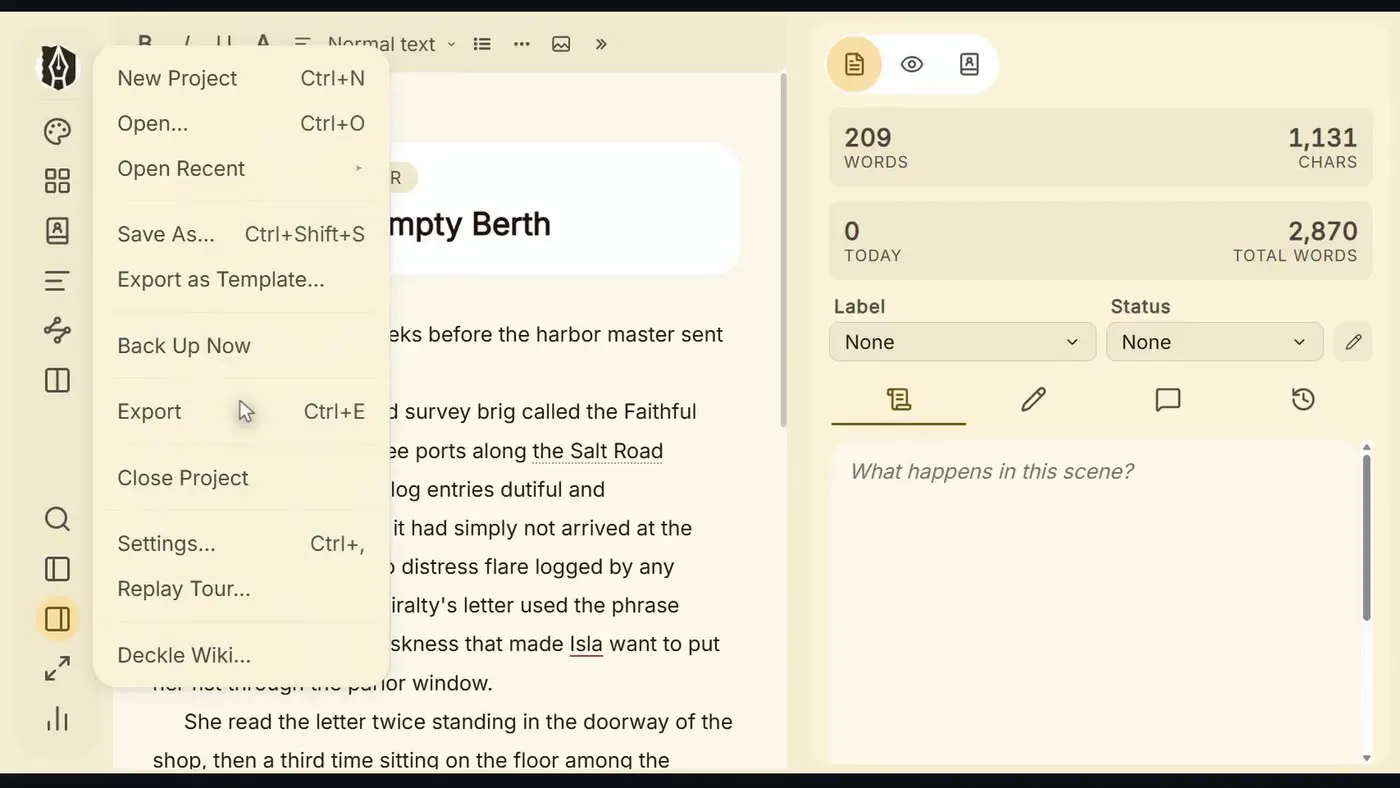
Export the whole book, or just the chapters an agent asked for. Every format comes from the same manuscript, so one change is a change everywhere.
05 Keep going
Why $197
Scrivener
$59.99
For writing. Mac and Windows are separate licences.
Vellum
$249.99
For formatting. Mac only.
Deckle
$197
Both jobs in one app, on Windows, Mac and Linux. Every future update included.
"Deckle combines the organizing capabilities of Scrivener with the robust publishing tools of Vellum, and the price is hard to beat."Michelle RichmondThe Caffeinated Writer
"It does everything Vellum does on a Mac and it is cheaper. No brainer."Robb WallaceAuthor and indie publishing blogger
"Deckle is the all-in-one writing, formatting and self-publishing tool I was dreaming of."Solo ShannonThe Midlife Writer's Club
Watch the reviews
 Solo Shannon
The best writing app without AI
Solo Shannon
The best writing app without AI
 Katri
Deckle Studio video review
Katri
Deckle Studio video review
 T.C. Burr
Why I stopped using Scrivener
T.C. Burr
Why I stopped using Scrivener
 Inimitable Books
Is Deckle the best writing software?
Inimitable Books
Is Deckle the best writing software?
 FNG Authors
Deckle writing software: is it worth it?
FNG Authors
Deckle writing software: is it worth it?
 Memo Garrido XP
El software de escritura que por fin me convenció
Memo Garrido XP
El software de escritura que por fin me convenció
 Protagonist Crafts
Full Deckle tutorial
Protagonist Crafts
Full Deckle tutorial
$197once
Open Deckle, choose Take Deckle for a Spin, and use the full app with a guided tour. Buy when you're ready.
30-day guarantee. Export a store-ready book, or your money back.
Yes. Download Deckle and choose Take Deckle for a Spin on the first screen. It opens the full app with a guided tour, with no card and no account.
No. Deckle imports your Scrivener project directly: chapters, scenes, synopses, notes and research come across in one step.
Yes. Deckle exports a print PDF that passes KDP preflight, with fonts embedded, and EPUBs built for Kindle, Apple Books and Kobo.
No. You pay $197 once, and every future update is included.
Windows, Mac and Linux. One licence covers any two devices, in any mix.
You're covered by a 30-day guarantee: export a store-ready book, or get your money back.
Windows, Mac and Linux. The full app, with a guided tour.

